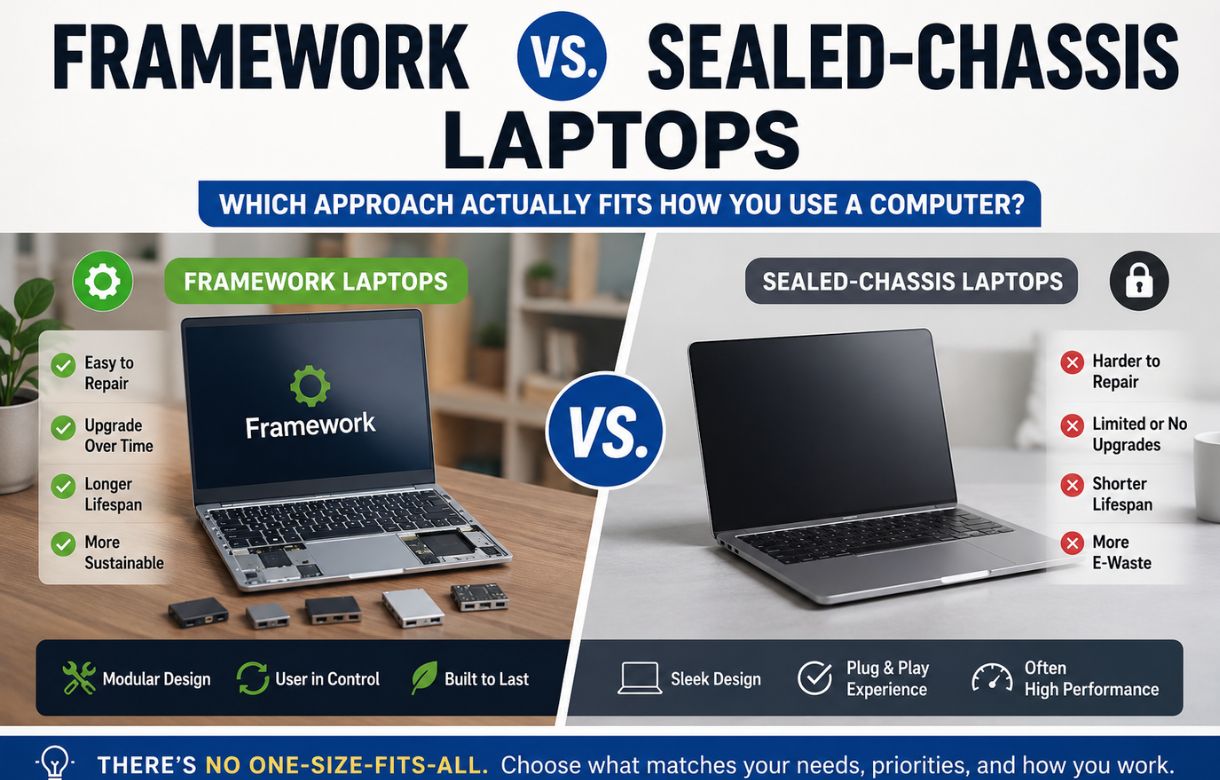
Every laptop buying decision eventually comes down to a trade-off you don’t always notice you’re making. Sealed-chassis laptops — your MacBooks, your Dell XPS line, most premium Windows ultrabooks — optimize for thinness, polish, and a seamless out-of-box experience. Framework optimizes for something almost nobody else in the market touches: the assumption that you’ll still own this machine in five or six years, and that it should still be worth owning.
Neither approach is wrong. But they’re built around fundamentally different bets about what a laptop is for, and that’s the real comparison worth making — not a spec-for-spec shootout, but a question of which bet matches your actual habits.
The Bet Sealed-Chassis Brands Are Making
When Apple or Dell glues a battery in place or solders memory directly to the motherboard, they’re not doing it to annoy you. They’re optimizing for density — thinner, lighter builds — and for a controlled, consistent experience where nothing the user touches can go wrong. It’s a legitimate design philosophy, and it’s why sealed machines still win on pure industrial design and weight in almost every side-by-side.
The trade-off is what happens later. When the battery degrades after a few years of daily charge cycles, you’re not replacing a $40 part — you’re often looking at a paid repair service, a warranty gamble, or simply buying a new laptop entirely. When 8GB of soldered RAM starts feeling tight because the software you run today is heavier than what existed when you bought the machine, there’s no upgrade path. You replace the whole computer to fix one component.
This isn’t a flaw exactly — it’s the cost of the bet. Sealed brands are betting you’ll upgrade every few years anyway, so long-term repairability isn’t the priority buyers are actually optimizing for at purchase time. And for a lot of buyers, that bet is correct.
The Bet Framework Is Making
Framework’s entire product line is built around the opposite assumption: that the parts inside your laptop should be treated like parts, not like a sealed unit you either love or replace. Every mainboard, memory module, storage drive, and even individual ports through the Expansion Card system are meant to be opened, swapped, and upgraded by the owner, using standard screws instead of proprietary tools or adhesive.
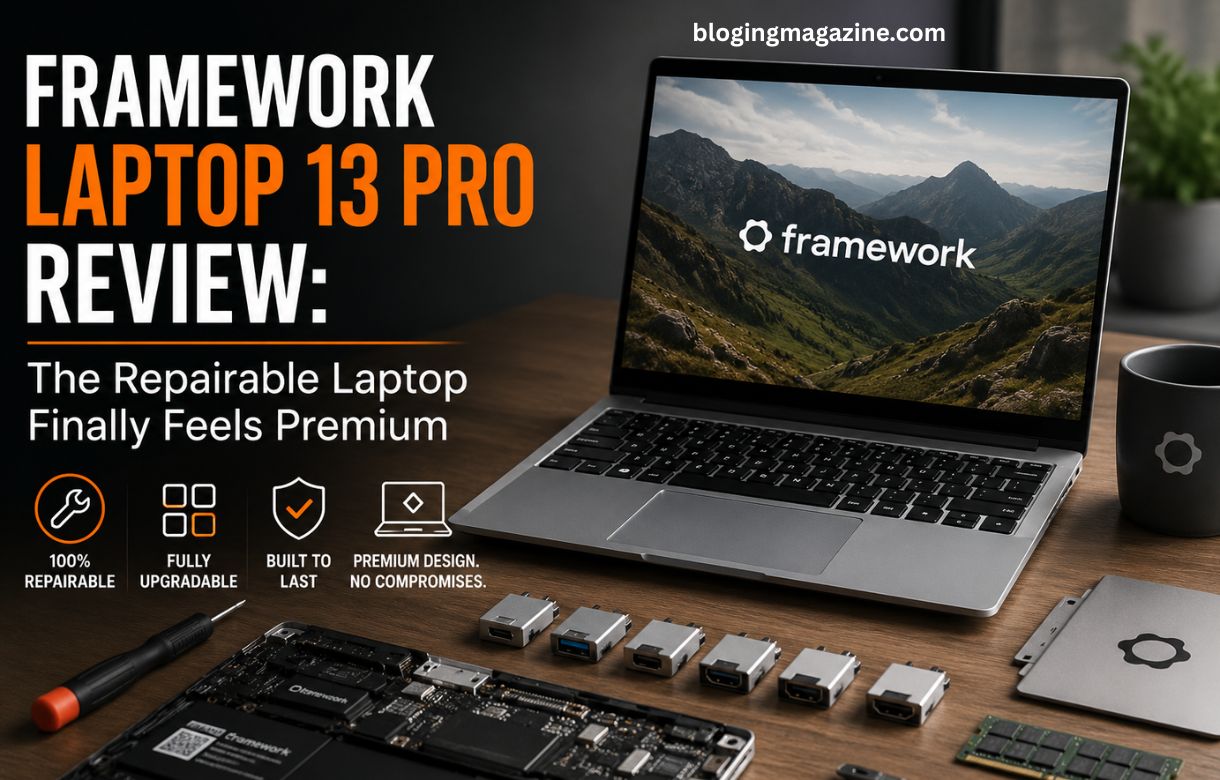
The clearest proof of this philosophy in practice: Framework’s newest 13 Pro chassis and display are backward compatible with mainboards from earlier Framework Laptop 13 generations, as covered in <a href=”https://blogingmagazine.com/framework-laptop-13-pro-review/”>our full review of the Framework Laptop 13 Pro</a>. An owner from a few years ago can upgrade to current-generation performance without discarding a machine that still works fine structurally.
The trade-off here is less about capability and more about buy-in. Repairable design means accepting a chassis that, until recently, felt more utility-focused than premium — a fair criticism of earlier Framework models that the 13 Pro’s aluminum body was specifically built to answer. It can also mean a slightly steeper learning curve if you actually want to use the upgrade path, rather than just knowing it exists.
Where This Actually Matters: Three Real Scenarios
You keep laptops for 5+ years. This is the scenario the Framework is built for. If your realistic ownership window is long, the ability to swap a degraded battery or add memory when you need it starts saving real money and real frustration over time, compared to a sealed machine that quietly becomes obsolete on its own schedule rather than yours.
You replace laptops every 2-3 years regardless. If you’re the kind of buyer who upgrades on a fixed cycle no matter what — for work reasons, warranty reasons, or just preference — repairability is a feature you’re paying for but not using. A sealed-chassis machine’s thinness and polish may matter more to you day-to-day than a repair path you’ll never use.
You’ve had a laptop die due to a single component failure. If you’ve ever watched an otherwise-fine machine become useless because a single soldered part failed outside warranty, this is the scenario that makes Framework’s pitch click immediately. It’s the exact failure mode the whole product line exists to prevent.
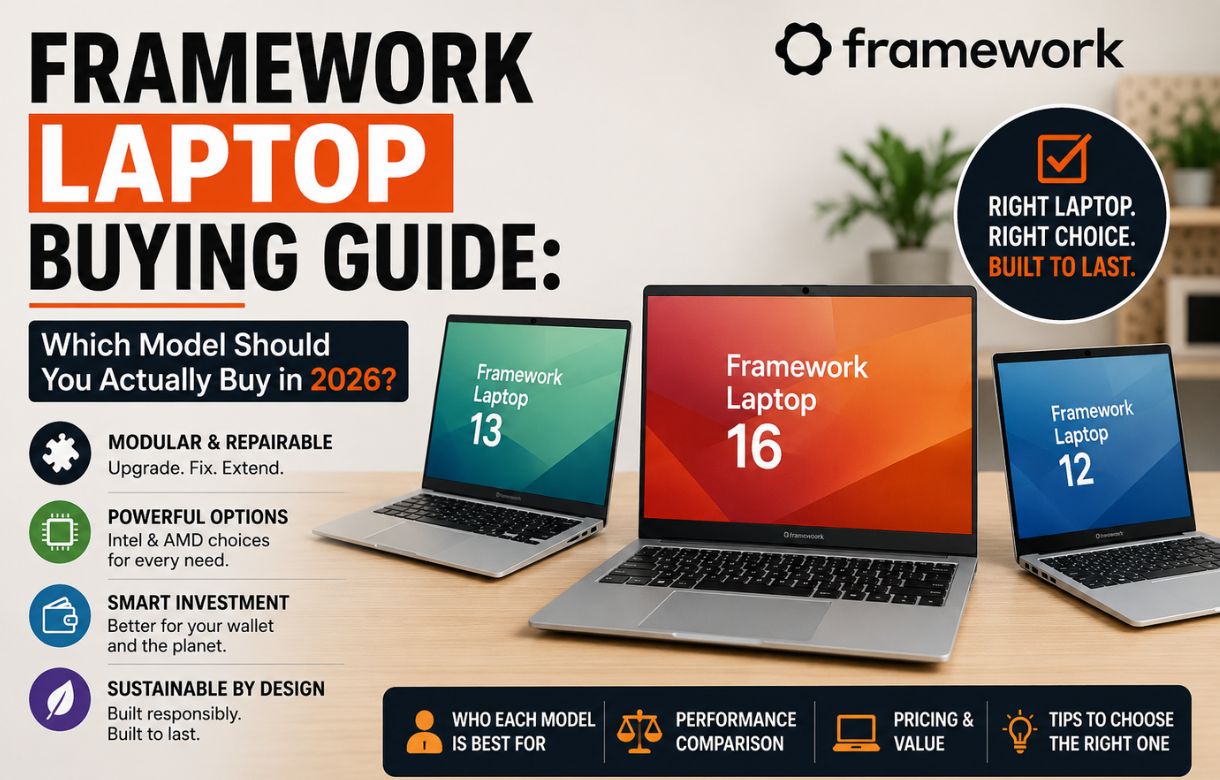
Framework 13 Pro vs. Framework 16: The Decision Inside the Decision
Even once you’ve decided Framework’s philosophy fits you, there’s a second decision worth being deliberate about — because these two models aren’t really competing with each other, they’re built for different work entirely.
The 13 Pro is the right call if your laptop’s job is writing, browsing, coding, spreadsheets, or general creative work that doesn’t lean on a dedicated GPU. It’s lighter, has dramatically better battery life, and its Ubuntu certification makes it the stronger pick if Linux is part of your workflow, as detailed in our full breakdown across <a href=”https://blogingmagazine.com/framework-laptop-buying-guide/”>Framework’s complete laptop lineup</a>.
The 16 is the right call the moment dedicated graphics power actually matters to what you do — gaming, video editing, 3D work, or anything else that leans on a GPU rather than a CPU. Its swappable graphics module is the one feature nothing else in Framework’s lineup, or arguably in the broader laptop market, offers: the ability to upgrade dedicated graphics performance later without replacing the entire machine.
Choosing between them isn’t about which is “better.” It’s about whether your actual workload needs a GPU at all. If you’re not sure, that’s usually a sign you don’t, and the 13 Pro is the more efficient choice.
So Which Should You Actually Choose?
If polish, thinness, and a locked-in ecosystem experience matter more to you than the ability to repair or upgrade later, sealed-chassis brands remain excellent at what they’re built for — nothing here is meant to argue otherwise. But if you’ve ever felt frustrated retiring a laptop that still had life left in it because of one failed part, Framework is solving a problem that sealed brands aren’t trying to solve at all.
The honest answer isn’t “Framework is objectively better.” It’s that Framework is building for a different definition of what a good laptop relationship looks like — and once you know which definition matches you, the rest of the decision gets a lot easier.
Frequently Asked Questions
Is Framework actually more repairable than MacBooks or Dell XPS laptops?
Yes, substantially. Framework laptops are designed with swappable mainboards, memory, storage, and expansion ports using standard tools, while most MacBook and Dell XPS models use soldered memory and glued-in batteries that require professional service for most repairs.
Are Framework laptops as premium-feeling as sealed-chassis brands now?
The Framework Laptop 13 Pro closed most of that gap with its CNC-machined aluminum chassis, though sealed-chassis brands still generally hold an edge in raw thinness and weight, since they aren’t designing around user-accessible internals.
Should I get the Framework 13 Pro or the Framework 16?
Choose the 13 Pro for general productivity, portability, and battery life. Choose the 16 only if your work genuinely depends on dedicated graphics performance, since it’s the only Framework laptop with a swappable GPU module.
Does repairability actually save money long-term?
It can, particularly if you tend to keep laptops for many years. Replacing a battery or adding memory costs far less than replacing an entire laptop, though buyers who upgrade every 2-3 years regardless may not see as much practical benefit from this.
Can I upgrade an older Framework laptop instead of buying the newest model?
In many cases, yes. Framework has consistently designed new mainboards, displays, and chassis parts to remain compatible with earlier models, letting existing owners upgrade key components without replacing the whole machine.