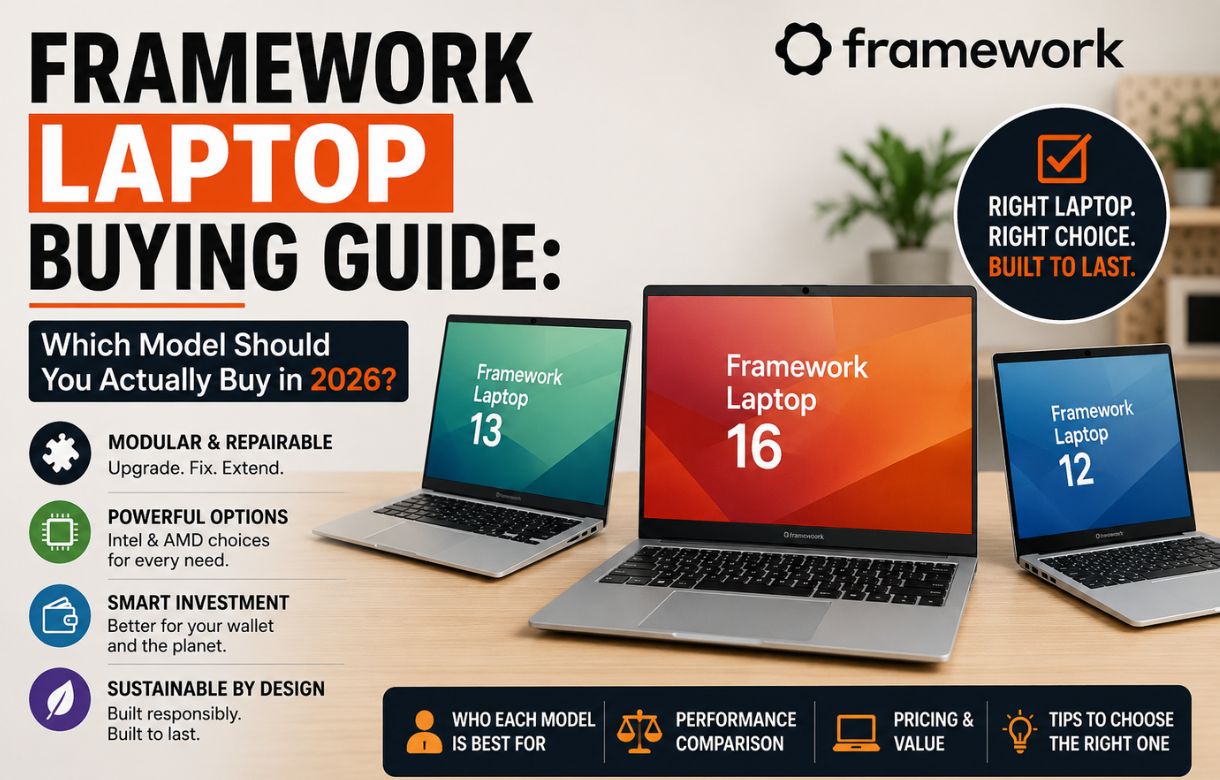
Framework has quietly turned into a five-product ecosystem, and that’s exactly where the confusion starts. A few years ago, picking a Framework meant picking the Framework Laptop. Now there’s a convertible, two different 13-inch machines, a performance beast with a swappable graphics card, and — somewhat unexpectedly — a desktop PC that shares almost none of its parts with the laptops but all of its philosophy.
If you’ve landed here trying to figure out which one is actually right for you, here’s the honest breakdown, model by model.
Framework Laptop 12 — The Affordable, Portable One
Think of the Laptop 12 as Framework’s answer to “what if a Chromebook could be repaired and upgraded like a real computer?” It’s a 12.2-inch 2-in-1 convertible — the screen folds all the way back into tablet mode, and it supports an optional stylus for note-taking or light sketching.
Under the hood, it runs 13th Gen Intel Core i3 or i5 chips, with up to 48GB of upgradeable DDR5 memory and up to 2TB of M.2 2230 NVMe storage. It’s built to MIL-STD-810 durability standards, which, in plain terms, means Framework tested it against drops, dust, and repeated hard use — not just marketing language.
Pricing starts at $549 for the DIY Edition, where you supply your own RAM, storage, and OS.
Who it’s for: Students, kids, or anyone who wants a light, tough, everyday machine and doesn’t need serious processing power. It’s not aimed at power users, and reviewers have noted the speakers and display are clearly built to a budget — reasonable trade-offs at this price, but worth knowing going in.
Framework Laptop 13 — The Standard, Balanced Choice
This is the model most people picture when they hear “Framework Laptop,” and for most buyers, it’s still the right answer. The 13.5-inch, 3:2 aspect ratio display comes in two flavors: a 2.2K panel at 60Hz or a sharper 2.8K panel at 120Hz, both matte, both covering 100% sRGB.
Framework updated this line in 2025 with AMD Ryzen AI 300-series chips, along with integrated Radeon graphics options (840M, 860M, or 890M, depending on configuration). Memory runs on upgradeable SO-DIMM DDR5-5600, up to 64GB, and storage goes up to 2TB out of the standard order page, with room to install larger drives yourself later.
Who it’s for: Developers, writers, general productivity users, and anyone who wants the classic Framework promise — repairable, upgradeable, no premium markup — without needing the newest chip generation or a touchscreen.
Framework Laptop 13 Pro — The Refined, Premium Upgrade
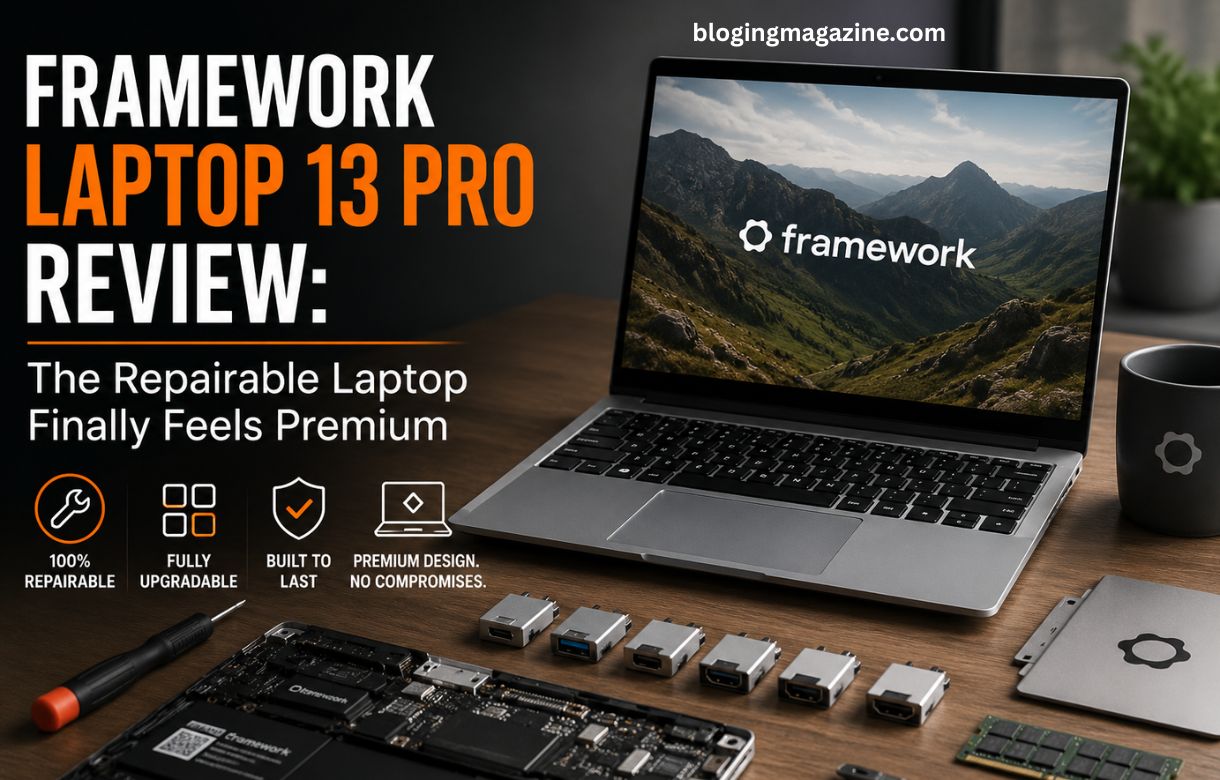
We covered this one in depth in our full Framework Laptop 13 Pro Review, but here’s the short version for comparison purposes: the 13 Pro takes the same 13.5-inch, 3:2 formula. It wraps it in a CNC-machined aluminum chassis, running Intel’s newest Core Ultra Series 3 chips with LPCAMM2 memory (up to 64GB) and up to 8TB of Gen 5.0 NVMe storage.
The standout additions are a haptic touchpad, integrated touch support on the display for the first time in the 13-inch line, a 74Wh battery rated for up to 20 hours, and full Ubuntu certification — this is the first Framework laptop Canonical has officially tested and endorsed.
Pricing starts at $1,199 for the DIY Edition and $1,499 for the pre-built.
Who it’s for: Anyone who wants the repairability of the standard 13 but with genuinely premium build quality, longer battery life, and first-class Linux support. It’s also the easiest upgrade path if you already own an older Framework 13 — the new chassis and display are backward compatible with earlier mainboards.
Framework Laptop 16 — The Performance Powerhouse
The 16 exists for one reason: to prove that “repairable” and “powerful” aren’t opposites. It’s the only laptop on the market — from any manufacturer — where you can swap the dedicated graphics card yourself. The GPU sits in a separate module that slides out like a drawer.
Configurations pair AMD’s Ryzen AI 300 series processors with NVIDIA GeForce RTX 5070 graphics (the 8GB module ships now, with a 12GB version arriving in June 2026), making this the only Framework built with gaming, video editing, and heavy creative workloads in mind.
Who it’s for: Gamers, video editors, and anyone doing GPU-heavy work who still wants the option to upgrade rather than replace the whole machine when the next graphics generation lands.
Framework Desktop — The Non-Laptop That Still Belongs Here
It’s not a laptop, but it earns its place in this guide because it runs on the exact same principle: open, standard parts, no proprietary lock-in. The Framework Desktop is a 4.5-litre Mini-ITX PC built around AMD’s Ryzen AI Max chip family — the same silicon powering some of the most capable handheld gaming PCs currently on the market.
Two configurations are available: the Ryzen AI Max 385 (8 cores, 16 threads) and the Ryzen AI Max+ 395 (16 cores, 32 threads), each paired with integrated Radeon graphics capable of performance close to a genuine mid-range dedicated card.
Who it’s for: Anyone who wants a compact, quiet, upgradeable desktop for gaming or AI workloads without building a full custom PC from scratch.
So, Which One Should You Buy?
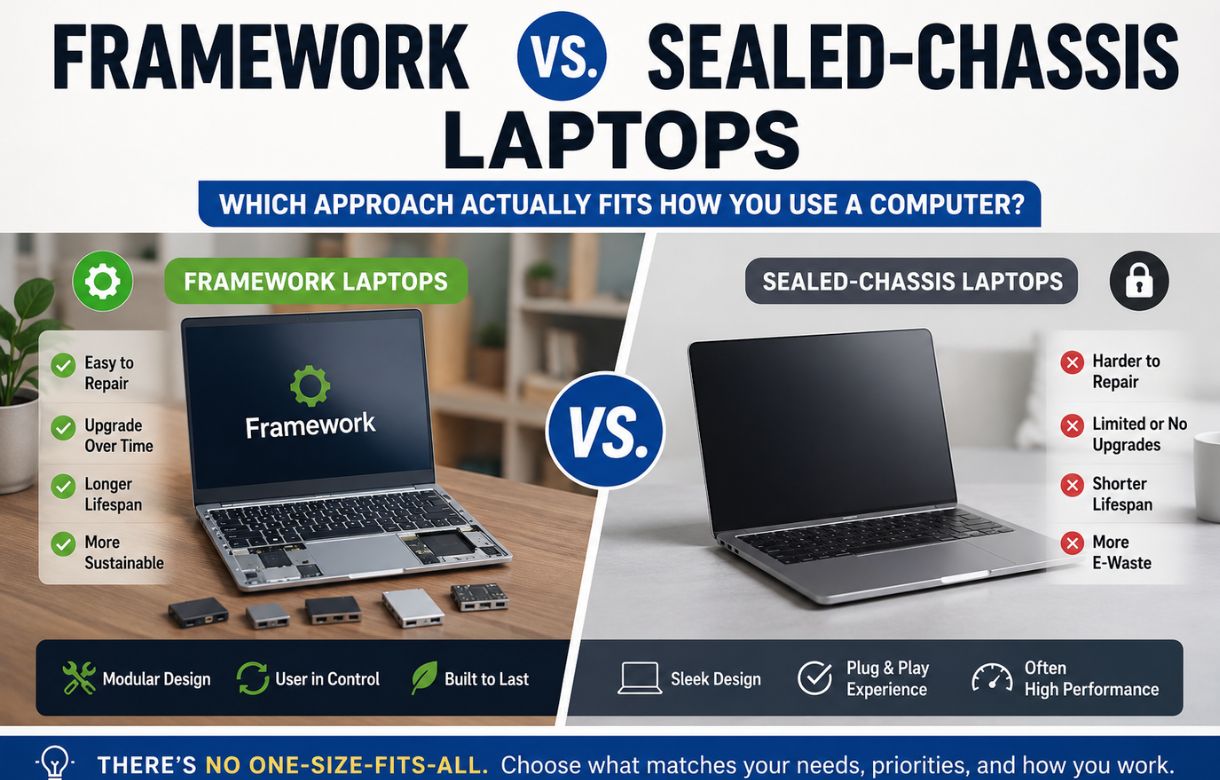
If you’re a student or want something light and affordable, the Laptop 12 covers the basics without overpaying. If you want the classic Framework experience at a fair price, the Laptop 13 is still the safest, most balanced pick. If you want the nicest version of that same idea — better battery, better chassis, better Linux support — spend the extra for the 13 Pro. If your work or play genuinely needs serious graphics power, skip straight to the Laptop 16. And if you don’t need portability at all, the Desktop gives you the same repair-first philosophy in a machine built for a desk.
There’s no wrong answer here in the way there sometimes is with other brands — every model in this lineup is built to be kept, not replaced. The real question isn’t which one is “best.” It’s the one that matches how you actually use a computer.
Frequently Asked Questions
Which Framework laptop is best for beginners?
The Framework Laptop 12 or standard Laptop 13 is the easiest starting point. Both offer straightforward pre-built configurations if you’d rather not assemble anything yourself.
Is the Framework Laptop 16 good for gaming?
Yes. It’s the only laptop with a user-swappable dedicated graphics card, currently offered with NVIDIA RTX 5070 options, making it Framework’s clear choice for gaming and demanding creative work.
What’s the difference between the Framework Laptop 13 and 13 Pro?
The 13 Pro adds a CNC aluminum chassis, newer Intel Core Ultra Series 3 processors, LPCAMM2 memory, a haptic touchpad, touchscreen support, a larger battery, and official Ubuntu certification. The standard 13 uses AMD chips and a simpler design at a lower price.
Can I upgrade a Framework laptop instead of buying a new one?
In most cases, yes. Framework laptops are designed around swappable mainboards, memory, storage, and in some models, displays and chassis parts, so many upgrades don’t require buying an entirely new machine.
Is the Framework Desktop worth it if I don’t need a laptop?
Is the Framework Desktop worth it if I don’t need a laptop? If you want a small, quiet, powerful PC with open, standard components rather than proprietary parts, yes. It’s built on the same repairability philosophy as the laptops, just in desktop form.