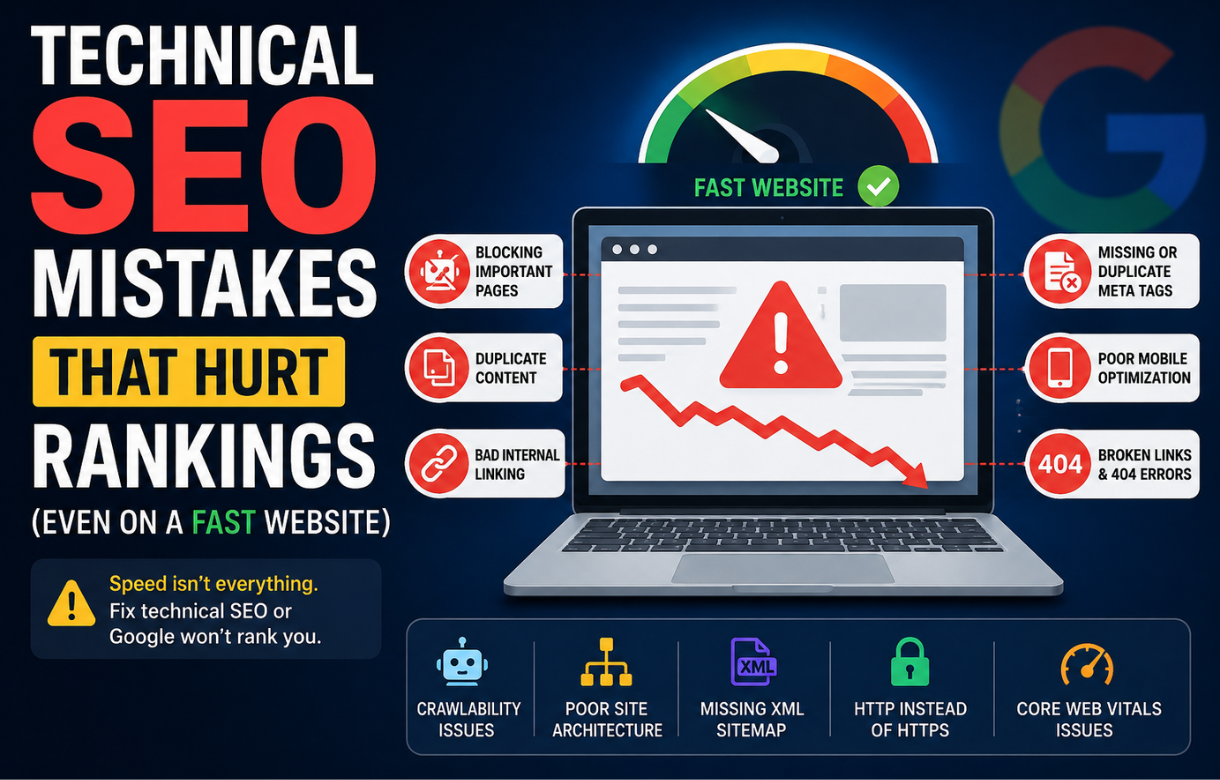
A few months ago I audited a site that scored 98 on PageSpeed Insights. Every Core Web Vital was green. The owner was proud of it, and honestly, so was I when I first ran the report.
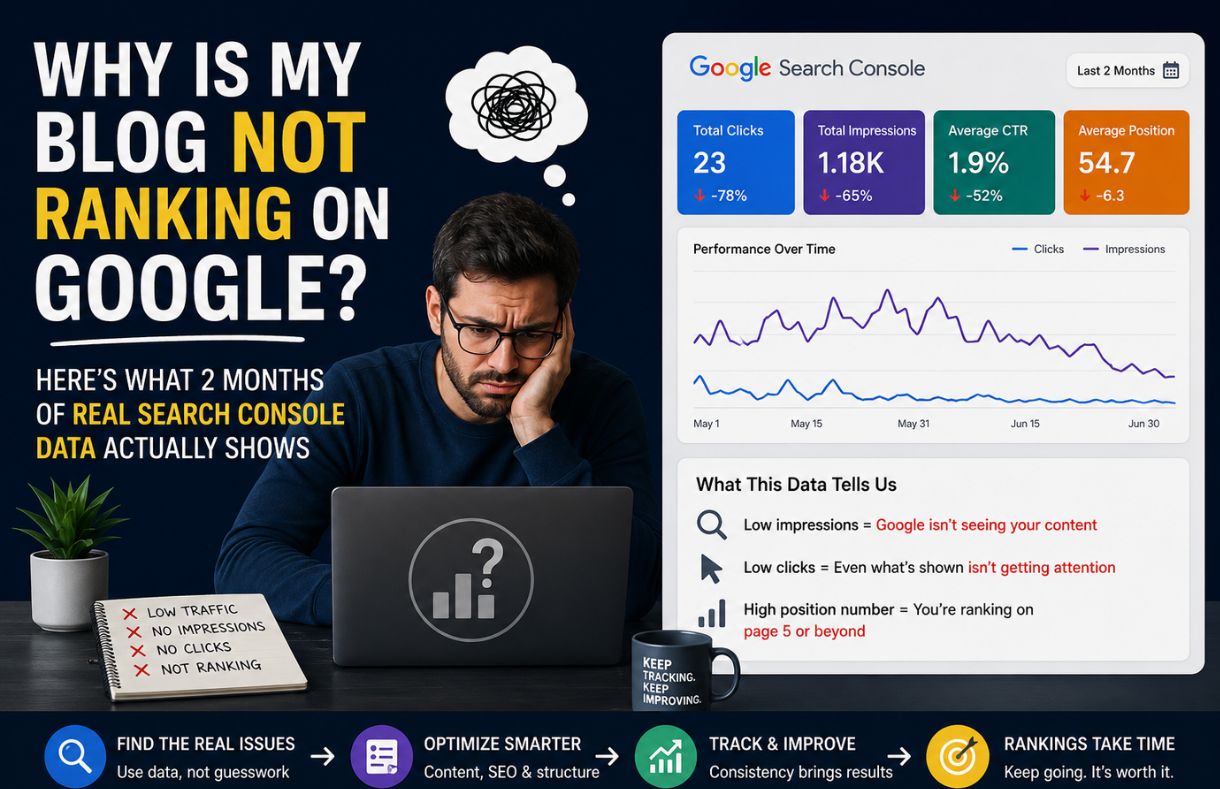
Then I checked the coverage report in Search Console. Half the site wasn’t indexed.
That’s the thing nobody tells you about technical SEO: speed is not the same thing as visibility. A page can load in under a second and still be invisible to Google, and the owner usually has no idea until traffic quietly drops for weeks and they finally go looking for a reason. Here are the mistakes I see most often, and why they’re so easy to miss.
Is your JavaScript hiding your content from Google?
If your site relies heavily on client-side rendering, your content might exist perfectly for a human visitor and barely exist for Googlebot. The browser renders the JavaScript instantly for the user, but Google has to queue the page for a second rendering pass before it can see the same content. That queue isn’t instant, and it isn’t guaranteed.
I’ve seen product pages, blog posts, even entire category pages sit in a rendering limbo where Google technically “sees” the URL but never fully processes the content behind it. The page loads fast. It just doesn’t get read.
The fix isn’t necessarily to abandon JavaScript. It’s to check what Google actually sees. Fetch the page through Search Console’s URL Inspection tool and look at the rendered HTML, not just the source. If your main content is missing from that rendered version, that’s your answer.
Did a noindex tag survive the move from staging to live?
This one is almost embarrassing in how simple it is, and almost devastating in how often it happens. A developer builds the site on a staging environment, adds a blanket noindex tag so search engines don’t crawl the unfinished version, then migrates it to production and forgets to remove the tag.
The site looks completely normal. It loads fast. Nothing on the page itself looks broken. But Google was politely asked not to index it, and Google listened.
I check for this first on any “why did my traffic disappear overnight” audit, because it’s the single most common cause I’ve run into. A quick view-source search for “noindex” takes ten seconds and can save you weeks of confusion.
Is Google wasting its crawl budget on the wrong pages?
Larger sites, or sites with filters, tags, and parameter-heavy URLs, run into a quieter problem. Google has a limited amount of attention it gives your site during any crawl session. If that attention gets spent on thin tag archives, duplicate filtered product listings, or endless pagination, it has less left over for the pages you actually want ranked.
This doesn’t throw an error. Nothing “breaks.” Your important pages just get crawled less often, updates take longer to register, and new content takes longer to get discovered. It’s a slow leak, not a burst pipe, which is exactly why it goes unnoticed.
Checking the Crawl Stats report in Search Console and comparing it against your actual priority pages is worth doing quarterly, not just when something feels off.
Is a canonical tag quietly pointing away from the page you want ranked?
Canonical tags are meant to tell Google “this is the authoritative version of this content.” When they’re set correctly, they consolidate ranking signals. When they’re set incorrectly, they can tell Google to essentially ignore the page you’re standing on and rank a different URL instead, sometimes one that doesn’t even exist anymore.
This usually happens through templating mistakes rather than intentional decisions. A canonical tag gets hardcoded into a template and every page under that template inherits the same reference URL, whether it’s correct for that specific page or not.
I always check canonical tags against the live URL when a page that used to rank suddenly stops showing up, even though it’s still live and still fast.
Are redirect chains slowing down how Google reaches your best content?
One redirect is fine. Two in a row is usually fine. But sites accumulate redirects over time, old URL to newer URL to newest URL, and eventually Google has to hop through three or four redirects just to reach the page that actually exists now.
Each hop adds friction, and on a large site, that friction adds up across thousands of URLs. It doesn’t just slow crawling, it can dilute the authority being passed through the chain. Running a periodic redirect audit and pointing old URLs directly at the final destination, instead of letting them chain, is a small task with outsized payoff.
The pattern behind all of these
None of these mistakes are visible from the front end. Your site loads fast, looks fine, and passes every user-facing test you’d normally run. That’s exactly why they’re dangerous. Speed optimization and indexability live in two different parts of SEO, and it’s entirely possible to max out one while quietly failing the other.
If your rankings have dropped and your Core Web Vitals still look great, stop looking at speed. Start looking at what Google can actually see, crawl, and index.
FAQ
Can a fast website still rank poorly? Yes. Page speed is a ranking factor, but it’s a minor one compared to whether Google can crawl, render, and index your content in the first place. A fast page that’s accidentally noindexed or hidden behind JavaScript rendering issues won’t rank regardless of speed.
How do I know if Google is actually indexing my pages? Use the URL Inspection tool in Search Console for individual pages, and check the Coverage report for a site-wide view of what’s indexed versus excluded, and why.
What’s the fastest way to check for a stray noindex tag? View the page source and search for “noindex.” If you want to confirm what Google specifically sees, run the URL through the URL Inspection tool and check the indexing status directly.
Do redirect chains actually hurt rankings, or just crawling? Both. They slow down crawling and discovery, and there’s evidence that authority passed through a redirect chain can be diluted with each additional hop, especially past two or three redirects.