I check Core Web Vitals in Search Console the way most bloggers check their traffic — often, and usually bracing for bad news. Every time I’ve dug into why a page was scoring poorly, the answer was rarely JavaScript or server response time. It was an image. Nine times out of ten, it’s the featured image at the top of the post doing the damage, because that’s usually the largest single element on the page.
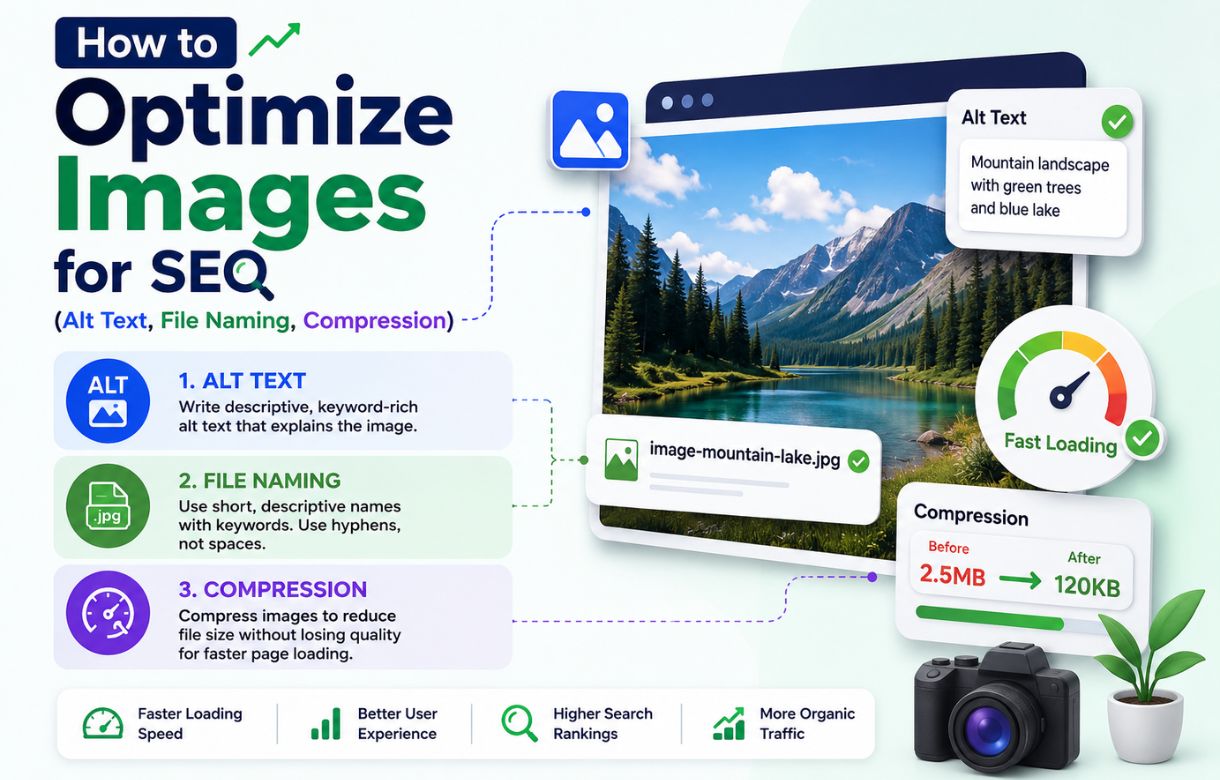
I’ve already covered how I source and compress my images and how I optimize them for SEO — filenames, alt text, dimensions. This post is about the metric those steps are actually protecting: what Core Web Vitals measures, why images are usually the biggest lever on it, and which of the three scores images actually affect.
What Core Web Vitals actually measures
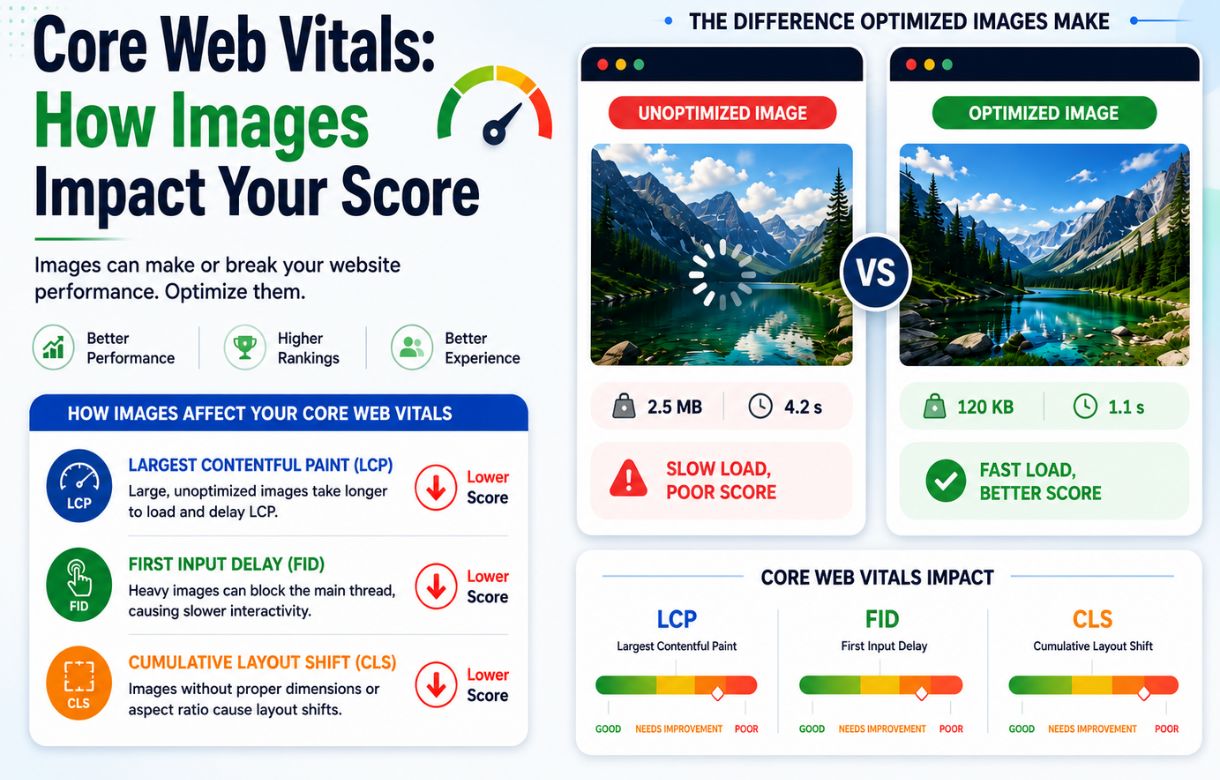
Core Web Vitals is three separate metrics, not one score, and images don’t affect them equally. Knowing which one you’re fixing matters, because the fix for each is different.
Largest Contentful Paint (LCP) — how fast the biggest thing loads
LCP measures how long it takes the largest visible element on the page to finish loading. On a typical blog post, that’s the featured image sitting above the fold. If that image is 2MB, LCP suffers directly — the browser is waiting on a heavy file before it can call the page “loaded” in any meaningful sense.
This is the single biggest reason compression matters more than almost anything else in this cluster. A 2MB image dragging LCP past Google’s “good” threshold (2.5 seconds) is one of the most common, most fixable Core Web Vitals problems a solo blogger will ever run into — and it’s entirely solvable without touching a line of code.
Cumulative Layout Shift (CLS) — how much the page jumps around while loading
CLS measures visual stability — specifically, how much content shifts position as the page loads. Images cause this when the browser doesn’t know an image’s dimensions ahead of time. It reserves no space; the image finishes loading, and everything below it jumps down.
This is why setting explicit width and height (or aspect-ratio in your theme’s image handling) before upload — the same dimensions step I covered in the SEO optimization post — matters here specifically. It costs nothing extra if it’s already part of your export workflow, and it’s the difference between a page that loads smoothly and one that visibly lurches.
Interaction to Next Paint (INP) — how responsive the page feels
INP measures how quickly a page responds once someone actually interacts with it — clicking, tapping, scrolling. Images play a smaller, more indirect role here: a page loaded down with unoptimized images can leave the browser’s main thread busier than it should be, which can make interactions feel sluggish even after the page has visually loaded. It’s a real factor, but a distant third compared to what images do to LCP and CLS.
Does image compression actually improve Core Web Vitals scores?
Yes, and usually the most, out of anything a blogger can control without developer help. Compression addresses LCP directly by shrinking the file the browser has to download before it can paint the largest element. It’s the highest-leverage single change most image-heavy blog posts can make.
The three things that actually move the needle
Everything in this cluster comes back to the same short list, and it’s worth restating plainly here:
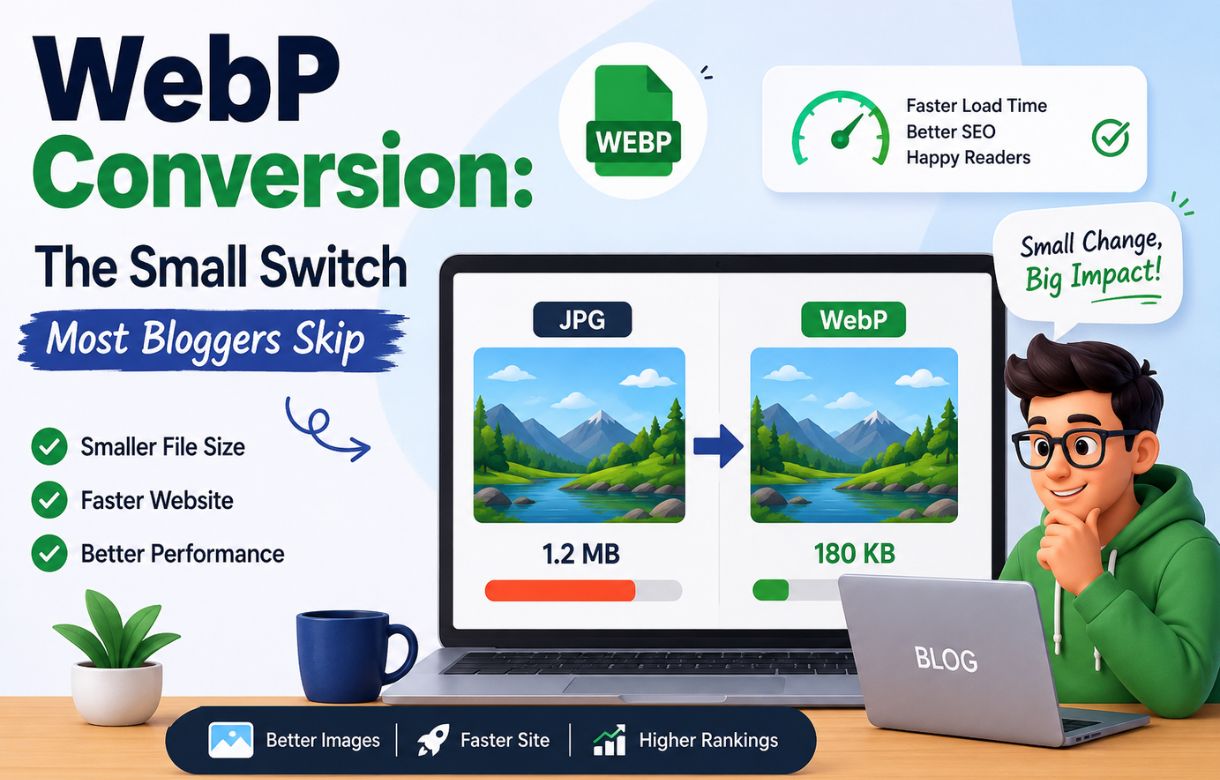
Compress before upload. A raw AI-generated or stock image landing at 2MB and getting reduced to 150–200KB in Canva is the single biggest LCP win available. WebP export compresses further still at equivalent visual quality, which is worth the extra export step on image-heavy posts.
Set dimensions before upload. This is a CLS fix, not an LCP fix — the browser needs to know the image’s real size to reserve space for it before it finishes loading.
Don’t rely on your theme to resize for you. A theme scaling down an oversized image in the browser still forces the browser to download the full oversized file first — the visual resize happens after the damage to load time is already done.
Where image sitemaps fit in
None of this is about whether Google finds your images — that’s a separate, related job handled by image sitemaps. Core Web Vitals is about how well the page performs once someone’s already loading it; sitemaps are about whether the image gets discovered in the first place. Worth understanding both, but they’re not solving the same problem.
Key Facts: Images and Core Web Vitals
- LCP: the metric images affect most directly — an uncompressed featured image is the most common cause of a slow LCP score on a typical blog post.
- CLS: caused by missing image dimensions, not file size — set width/height before upload to prevent layout shift.
- INP: images play a smaller, indirect role here compared to LCP and CLS.
- Biggest single fix: compress before upload — 2MB down to 150–200KB is usually enough to move LCP from “needs improvement” to “good.”
- Don’t let your theme resize for you: browser-side scaling still downloads the full file first — resize before upload instead.
FAQ
What’s a good Core Web Vitals score for a blog?
Google’s thresholds: LCP under 2.5 seconds is “good,” CLS under 0.1, and INP under 200 milliseconds. Anything worse than that starts pulling a page into “needs improvement” or “poor,” both of which Google has confirmed factor into ranking.
Can I check my Core Web Vitals scores for free?
Yes — Google Search Console’s Core Web Vitals report shows real-user data for your whole site, and PageSpeed Insights gives a per-URL breakdown with specific recommendations, including whether images are the bottleneck on a given page.
Do Core Web Vitals actually affect Google rankings?
Yes, confirmed directly by Google as part of the page experience signals used in ranking. It’s not the dominant factor; content quality still matters most, but it’s one of the few purely technical levers a blogger can influence without waiting on backlinks or authority to build.
Is a slow Core Web Vitals score always about images?
No, but on a typical text-and-image blog post without heavy scripts or ads, images are the most common cause by a wide margin — particularly for LCP and CLS specifically.