Hosting is the tool decision most bloggers get wrong first, because it’s the one you make before you have any data to make it with. When I set up this site, my developer picked the plan for me — I never even had login access to it. It took years of unindexed pages, login lockouts, and a string of red Core Web Vitals before I understood that the plan itself was the problem, not anything I was doing wrong on top of it.
This post is the framework I wish I’d had at the start: what to actually evaluate before you pick a host, what “budget” and “managed” really mean once you look past the marketing page, and how to tell — using real data, not a feeling — when your current host has become the bottleneck.
What to Look for in WordPress Hosting for Bloggers
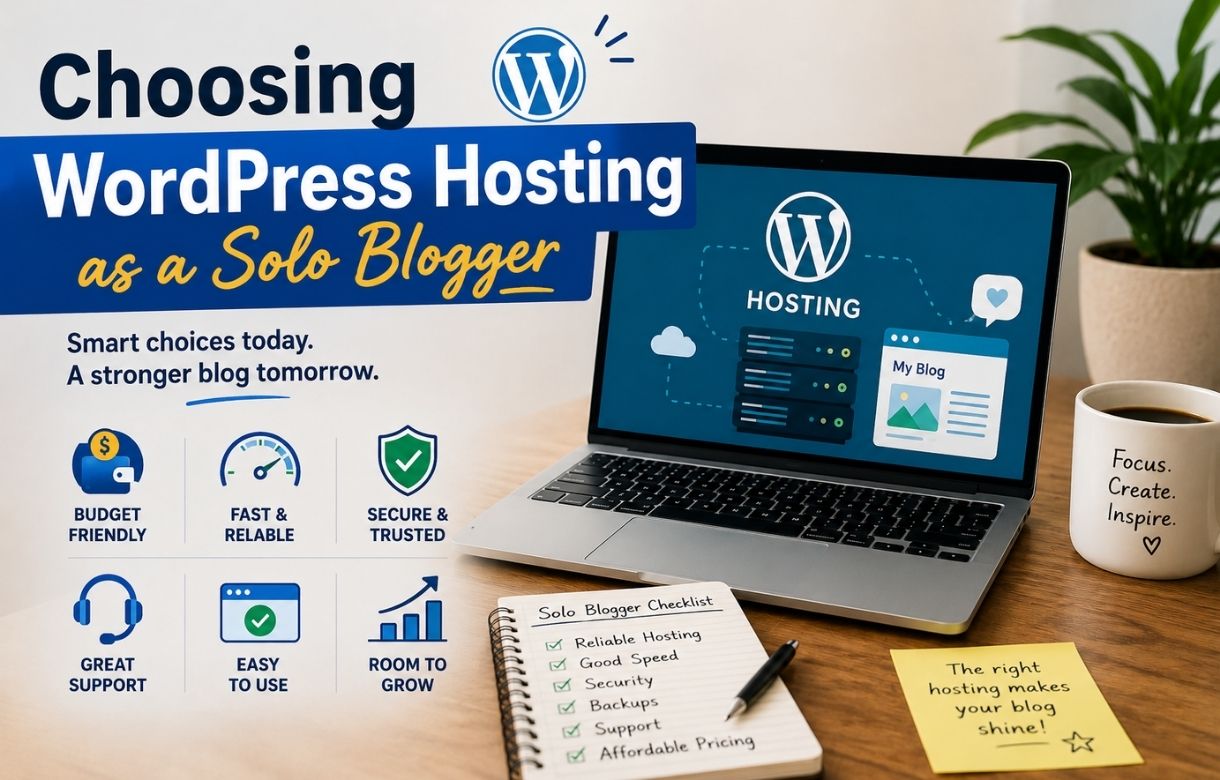
Every hosting decision, budget or not, comes down to the same handful of questions. Skip any of these and you’re choosing on price or brand recognition alone.
Speed at the server level, not just the page level. A fast theme and optimized images can’t fix a slow server. Time to First Byte (TTFB) is the number that isolates hosting specifically — anything consistently above 600ms on a clean test post is a hosting problem, not a caching one.
Uptime, measured, not assumed. Most bloggers never actually check this until something’s already gone wrong. A free monitor like UptimeRobot running for a few weeks will tell you more than any host’s marketing claim.
What the renewal price actually is. Nearly every host — budget and premium — discounts the first term and renews significantly higher. The number worth budgeting against is the second-year price, not the one on the landing page.
What support actually looks like when something breaks. Scripted replies and repeated tickets for the same issue are a sign the support tier doesn’t match what your site needs, regardless of how the plan is priced.
Whether your plan still fits your site. A plan sized for a five-post blog doesn’t necessarily fit one with two years of content, more images, and real traffic. Performance problems are sometimes a capacity issue, not a host-quality issue.
Shared vs. managed hosting — the basic difference
At the entry level, most WordPress hosting is shared hosting — your site sits on a server alongside many other customers’ sites, splitting the same resources. It’s inexpensive and fine for a new or low-traffic blog, but performance can dip when other sites on the same server spike in traffic, and you’re usually responsible for your own backups, caching, and security configuration.
Managed WordPress hosting costs more but takes over the WordPress-specific maintenance — automatic updates, built-in caching tuned for WordPress, staging environments, and often daily backups included by default. The trade-off is straightforward: you’re paying for someone else to handle the technical maintenance you’d otherwise have to manage (or ignore) yourself.
Neither is universally “better” — it’s a question of what your budget covers and how much hands-on maintenance you’re willing to do. I’ll be publishing a full comparison as this cluster grows.
If budget is the deciding factor
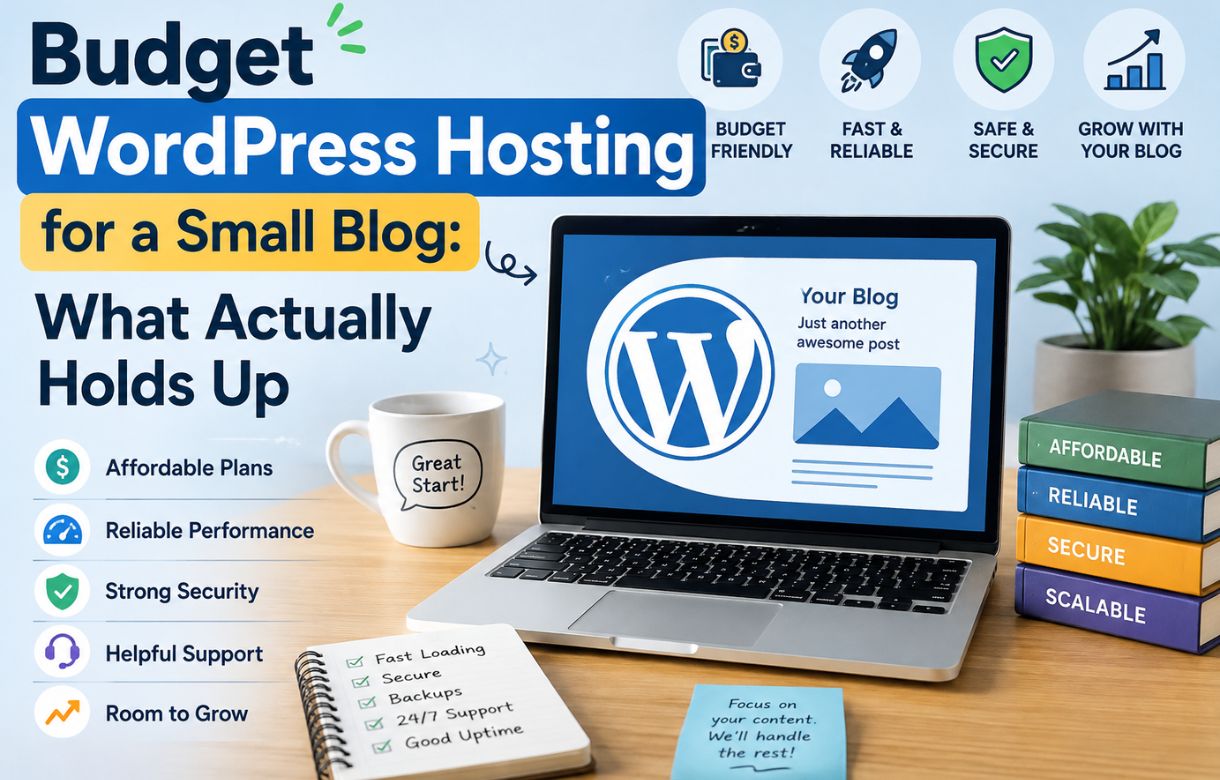
Price is the first filter for most solo bloggers, and it’s reasonable for it to be — but “cheap” and “budget” aren’t quite the same thing once you factor in renewal pricing, backup policy, and what’s actually included at the entry tier. I broke down four specific budget hosts, what each one trades off, and which type of blogger each one actually fits, in Budget WordPress Hosting for a Small Blog.
If you’re already hosted somewhere and something feels off
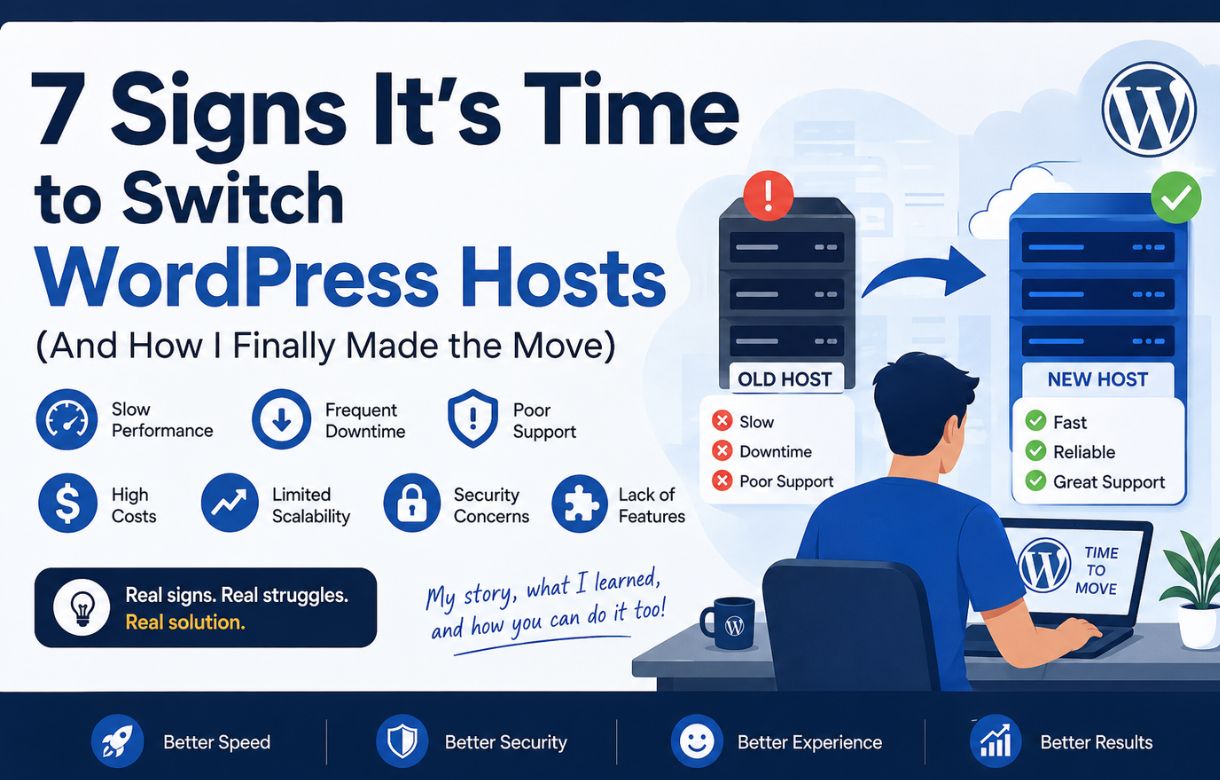
If you’re not choosing a host from scratch but wondering whether your current one is the reason your speed, indexing, or rankings have started slipping, that’s a different question — and it’s the one I answer in detail, with my own numbers, in 7 Signs It’s Time to Switch WordPress Hosts, along with the full migration walkthrough for switching without losing your rankings in the process.
The short version
If you’re picking a host for the first time, start with the evaluation criteria above, then read the budget comparison if price is your main constraint. If you already have a host and something feels wrong, skip straight to the signs-to-switch post and run the TTFB and uptime checks before you do anything else. Either way, the goal is the same: know what you’re actually paying for, not just what the landing page says you’re paying.