
A professional audit can run from a few hundred dollars to several thousand. If you have seen quotes like that and thought, “I would rather learn this myself,” this guide is for you. (If you are still weighing the paid route, I broke down the numbers in my SEO audit cost guide.)
Here is the good news. For a blog or small site, you can run a solid audit with free tools and a free afternoon. You will not catch everything an experienced specialist would, but you will find the problems that actually hold most small sites back.
This guide walks through how to do an SEO audit for bloggers from start to finish: the checklist, the free SEO audit tools worth using, a technical SEO audit, a content audit, and an on-page SEO audit.
What Is an SEO Audit?
An SEO audit is a structured check of your site to find what is stopping search engines from finding, understanding, and ranking your pages. Think of it as a health check. You are looking for blockers, weak spots, and quick wins.
A full audit has three layers. The technical layer asks whether search engines can access your site. The content layer asks whether your pages are worth ranking. The on-page layer asks whether each page is set up clearly for its topic.
You can do all three yourself. The order matters, because there is no point polishing a page that Google cannot index.
How to Do an SEO Audit: The Beginner Version for Bloggers
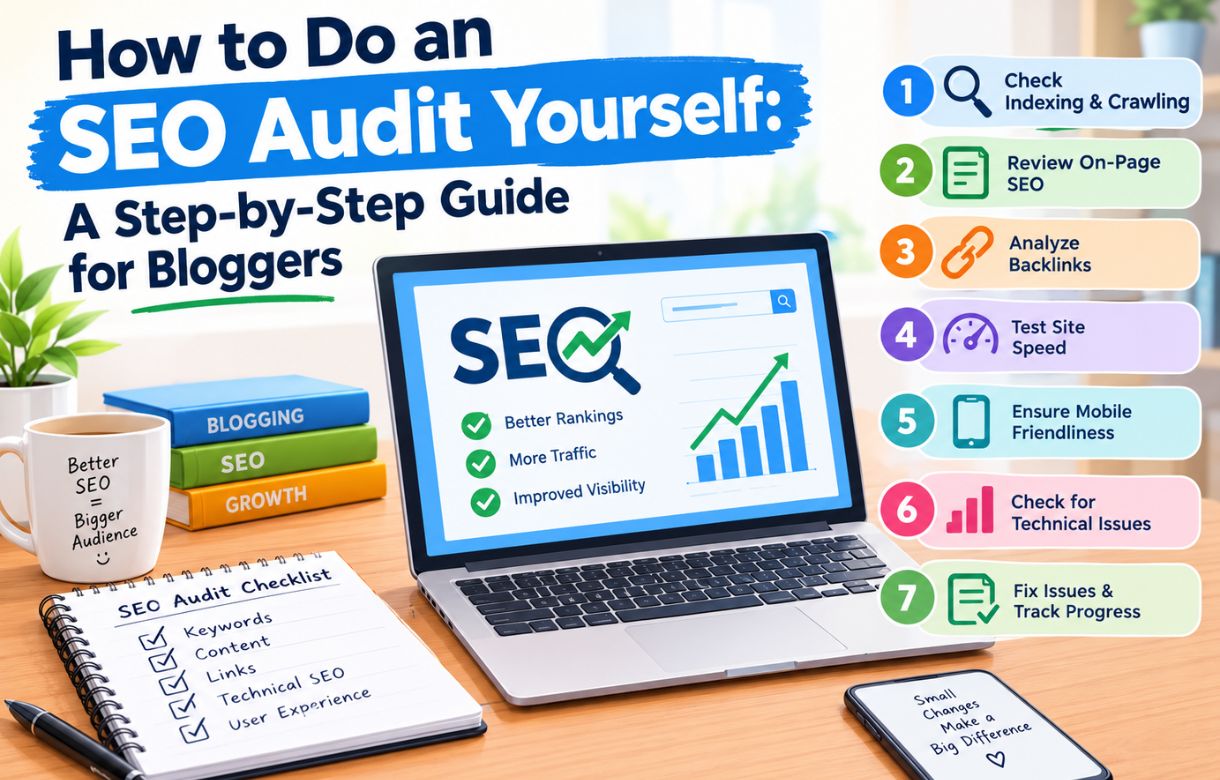
If you want the simple path, follow these six steps in order. Later sections go deeper on each part.
Step 1: What Is Your Starting Point?
Before you change anything, record where you are. Open Google Search Console and note your total clicks, impressions, average position, and indexed pages for the last three months. Take a screenshot.
Without a baseline, you cannot tell later whether your fixes worked. This takes five minutes, and it is the step most beginners skip.
Step 2: Can Google Find and Index Your Pages?
Check the Pages report in Search Console. It tells you which URLs are indexed and which are not, along with the reasons. Also confirm your sitemap is submitted and reads as successful.
If your sitemap shows an error, fix that before anything else. Nothing else in the audit matters if Google cannot read your list of pages.
Step 3: Is Your Site Fast and Mobile-Friendly?
Run your homepage and two or three key posts through PageSpeed Insights. Look at the Core Web Vitals results and the mobile score, since most searches happen on phones.
Step 4: Which Pages Deserve to Exist?
Export a list of your posts and look at what each one earns. Pages with traffic stay. Pages with impressions but no clicks need improvement. Pages with neither are candidates for updating, merging, or removal.
Step 5: Are Your Key Pages Set Up Properly?
For your ten most important posts, check the title tag, meta description, headings, URL, images, and internal links. This is your on-page audit, and it is where most small wins hide.
Step 6: What Do You Fix First?
Write your findings in one list and rank each item by impact and effort. Fix high-impact, low-effort items first. Indexing errors and broken pages usually come before copy tweaks.
What Is the Best SEO Audit Checklist?
Here is a practical SEO audit checklist you can copy into a spreadsheet. Tick items off as you go.
Technical
- Site is indexed, and the sitemap is submitted without errors
- robots.txt does not block important pages
- Site loads over HTTPS with no mixed-content warnings
- Only one version of your domain resolves (www or non-www, redirected properly)
- No broken internal links or long redirect chains
- Core Web Vitals pass on mobile
- Site works well on phones
Content
- Every page has a clear purpose and target topic
- Thin, outdated, and duplicate posts are identified
- Competing posts on the same topic are flagged for merging
- Off-topic pages are reviewed for removal
- Top posts are refreshed with current information
On-page
- Each page has a unique title tag and meta description
- One H1 per page, with logical H2 and H3 headings
- Clean, descriptive URLs
- Images are compressed, named sensibly, and have alt text
- Internal links point to and from related posts
- Search intent matches the format of the page
Off-page
- Backlink profile reviewed for spammy or irrelevant links
- Brand mentions and link opportunities noted
Print it, copy it, or paste it into a sheet. The checklist is only useful if you run it on a schedule, so set a reminder for the next audit while you are at it.
Which Free SEO Audit Tools Are Worth Using?
You do not need a paid subscription to audit a small site. These free SEO audit tools cover almost everything.
What Does Google Search Console Do?
This is the most important free tool because the data comes straight from Google. It shows indexing status, search queries, clicks, impressions, average position, sitemap health, and Core Web Vitals. If you only use one tool, use this one.
What Does PageSpeed Insights Show?
It measures real-world and lab performance for any URL and lists specific issues to fix. The Core Web Vitals targets to aim for are a Largest Contentful Paint of 2.5 seconds or less, an Interaction to Next Paint of 200 milliseconds or less, and a Cumulative Layout Shift of 0.1 or less.
Can Screaming Frog Crawl My Site for Free?
Yes. The free version of Screaming Frog crawls up to 500 URLs, which covers most blogs. It finds broken links, redirects, missing titles, duplicate content, and missing alt text in one pass. It is a desktop program with a learning curve, but it is the closest thing to a professional crawl you can get for free.
Is Ahrefs Webmaster Tools Really Free?
It is free for sites you verify as your own. It includes a site audit and shows your backlink profile and organic keywords, which makes it a strong companion to Search Console.
What About Semrush and Bing Webmaster Tools?
Semrush offers a limited free tier that includes a basic site audit with a cap on how many pages it checks. Bing Webmaster Tools is free, offers its own site scan and diagnostics, and gives you a second source of crawl data.
Does My WordPress SEO Plugin Help?
Somewhat. Plugins such as Rank Math and Yoast flag on-page issues like missing meta descriptions and long titles, and they help you manage sitemaps and redirects. They are useful for fixing problems but should not be your only diagnostic.
My suggestion: Search Console plus PageSpeed Insights plus one crawler. Add the rest only if you need them.
How to Do a Technical SEO Audit
The technical layer comes first. Here is how to work through it.
How Do You Check Indexing and Crawlability?
Start in Search Console. Open the Pages report and review the reasons URLs are not indexed. Some are normal, such as redirected pages and duplicates. Others are real problems, such as “Crawled, currently not indexed” or “Discovered, currently not indexed” on pages you want ranking.
Then visit yourdomain.com/robots.txt and make sure it is not blocking important sections. A single stray line can hide a whole folder.
Finally, search site:yourdomain.com in Google for a rough count of indexed pages and compare it with what you expect.
How Do You Audit Your Sitemap?
Your sitemap should list only canonical, indexable pages, and it should load without errors. I once chased a sitemap 404 that turned out to be a plugin conflict with LiteSpeed Cache. The sitemap looked fine in the plugin settings but returned an error to Google. The lesson is to always test the actual sitemap URL, not just trust the settings screen.
After fixing any sitemap problem, resubmit it in Search Console.
How Do You Check Site Speed and Core Web Vitals?
Use PageSpeed Insights and the Core Web Vitals report in Search Console. The Search Console report groups URLs by status, so you can see patterns rather than testing pages one at a time.
The most common causes on small WordPress sites are oversized images, too many plugins, heavy page builders, and slow hosting. Compress images to WebP, remove plugins you do not use, and look at your caching setup. If the server itself is slow, no amount of tweaking will fully fix it.
How Do You Find Broken Links and Redirect Problems?
Crawl your site with Screaming Frog or Ahrefs Webmaster Tools. Look for 404 errors, redirect chains, and redirect loops. Fix internal links so they point directly to the final URL instead of passing through a redirect.
How Do You Check Mobile Usability and HTTPS?
Open your site on a phone. Check that text is readable, buttons are tappable, and nothing jumps around as the page loads. Confirm every page loads over HTTPS and that the HTTP version redirects to it.
Are Canonicals and Duplicate Content a Problem?
Only one version of each page should be the “official” one. Check that your canonical tags point to the right URL, and watch for duplicates caused by URL parameters, tag archives, attachment pages, or both www and non-www versions resolving.
Should You Check Structured Data?
If you use schema, such as Article or FAQ markup, test a few pages with Google’s Rich Results Test. Fix errors, but do not obsess over it. Schema helps clarity more than it directly lifts rankings.
How to Do a Content Audit
Once Google can crawl your site, ask whether the content deserves to rank.
How Do You Build a Content Inventory?
Create a spreadsheet with one row per post. Include the URL, title, publish date, last updated date, word count, topic, and category. Then add performance columns from Search Console: clicks, impressions, and average position over the last 6 to 12 months.
For a blog under a few hundred posts, a manual spreadsheet is fine.
How Do You Decide What to Keep, Update, Merge, or Delete?
Sort every page into one of four buckets.
Keep pages that rank well, earn traffic, and are accurate. Leave them alone.
Update pages with decent impressions but weak clicks, pages stuck on positions 4 to 15, and posts with outdated facts. These are usually your biggest opportunities. A page already near the top of page one needs less work to improve than a brand new post.
Merge posts that target the same search and compete with each other. Combine the best parts into one stronger page and redirect the others to it.
Remove pages that are thin, off-topic, and attract no traffic or links. Delete them with a proper redirect or a 410 status, depending on whether a relevant replacement exists.
In my own case, auditing led me to remove an off-topic legacy post that was ranking for an unrelated keyword. It brought no value to the site’s topic, so I deleted it and submitted a removal request in Search Console. A tighter site gives search engines a clearer signal about what you are about.
How Do You Spot Keyword Cannibalization?
In Search Console, filter by a query and open the Pages tab. If two or more of your URLs show up for the same search, they may be competing. Decide which one should be the main page, then merge or differentiate the others.
How Do You Judge Content Quality?
Ask simple questions of each important post. Does it answer the search fully? Is it more useful than what already ranks? Does it show real experience? Is the information current? Is it easy to read, with short paragraphs and clear headings?
If the honest answer to most of these is no, the post needs a rewrite, not a tweak.
How to Do an On-Page SEO Audit
The on-page audit checks the setup of individual pages. Start with your top ten posts, then work down.
Is Your Title Tag Doing Its Job?
Each page needs a unique title that includes the main keyword near the front and stays around 60 characters so it does not get cut off in results. It should also give a reason to click. A title that is accurate but dull will lose clicks to one that is just as accurate and more specific.
What Should Your Meta Description Say?
Keep it around 150 to 160 characters, describe what the reader will get, and include the main keyword naturally. It does not directly affect rankings, but it affects clicks, and clicks matter.
Are Your Headings Structured Properly?
Use one H1 per page, matching the page’s topic. Break the body into H2 sections with H3 subsections where needed. Headings written as the questions readers actually ask also help you appear in featured snippets and AI summaries.
Is Your URL Clean?
Short, readable, and keyword-aware. Avoid dates, stop words, and long strings. Do not change URLs on live pages without setting up a redirect.
Are Your Images Optimized?
Compress them, convert to WebP where possible, use descriptive file names, and write alt text that describes the image. Large uncompressed images are among the most common causes of slow pages.
Do You Have Enough Internal Links?
Every post should link to a few related posts, and receive links from them. Put links inside the body where they are relevant, not bunched at the bottom. Use descriptive anchor text, and make sure no important page is an orphan with no links pointing to it.
Does the Page Match Search Intent?
Google your target keyword and look at the top results. Are they guides, lists, product pages, or comparisons? If your page is a different format from everything ranking, you may be fighting the wrong battle. Match the format first, then beat the competition on depth and clarity.
Tap a card to reveal the answer. Tap again to flip it back, or reveal them all to review.
What Should You Do After the Audit?
An audit is just a list until you act on it.
Sort your findings into three groups. Fix now covers indexing problems, broken pages, and serious speed issues. Fix this month covers on-page updates to your best opportunity pages. Fix later covers minor cleanups and nice-to-haves.
Work through the first group, then make changes in small batches. If you change fifty things at once, you will not know which one helped.
Then wait. Search Console data needs weeks to reflect changes. Compare against your baseline after four to eight weeks, and write down what moved.
How Often Should You Audit Your Site?
A full audit once or twice a year is enough for most blogs. In between, check Search Console monthly for new indexing errors, speed drops, and sudden traffic changes. Run an extra audit after a redesign, a hosting move, a plugin overhaul, or a traffic drop.
When Should You Pay for an Audit Instead?
Doing it yourself works well for small and mid-sized sites. Consider a paid audit if your site has thousands of pages, you run an online store, you have lost traffic and cannot find the cause, or you lack the time or technical comfort to fix what you find. In those cases, an expert can save you months. You can see what to expect on price in my guide to SEO audit costs.
SEO Audit FAQ
Can a beginner really do an SEO audit?
Yes. With Search Console, PageSpeed Insights, and one free crawler, a beginner can find the issues that matter most on a small site. The learning curve is in interpreting results, which improves with each audit
How long does a DIY SEO audit take?
For a small blog, plan on a few hours for the first pass and a few days to implement the fixes. Larger sites take longer.
What is the most important part of an SEO audit?
Indexing. If search engines cannot crawl and index a page, nothing else about it matters
Which free SEO audit tool is best?
Google Search Console, because it shows exactly what Google sees. Pair it with PageSpeed Insights and a crawler for a complete picture.
What is the difference between a technical audit, a content audit, and an on-page audit?
A technical audit checks whether search engines can access and process your site. A content audit judges whether your pages are worth ranking. An on-page audit checks how each individual page is set up.
How do I know if my audit worked?
Compare your Search Console numbers against the baseline you recorded. Look for improvement in indexed pages, impressions, clicks, and average position over the following weeks.
Final Thoughts
An SEO audit is not a mystery. It is a repeatable routine: check that Google can find your pages, check that your pages deserve to rank, and check that each one is set up clearly. Do those three things on a schedule, and you will stay ahead of most small sites.
Start with your baseline and your indexing report today. Everything else builds from there.