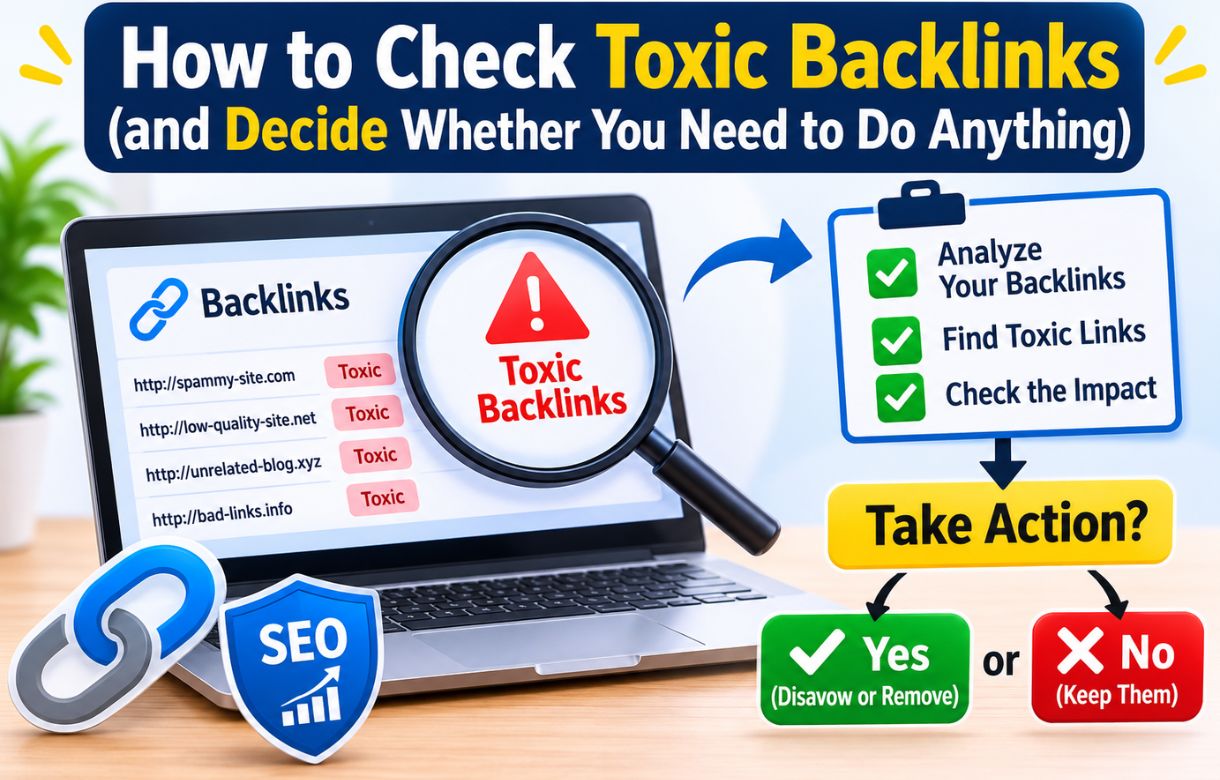
The first time a backlink tool flags a link on your site as “toxic,” it feels like an alarm going off. Some gambling site you have never heard of is linking to you, a red label says it is dangerous, and you start wondering whether it explains every ranking problem you have ever had.
Checking toxic backlinks is the easy part. Knowing what to do with the results is where most people go wrong. This guide covers how to check, which tools to use, and how to decide between ignoring a link, asking for its removal, and disavowing it.
What are toxic backlinks?
Toxic backlinks are links from spammy, hacked, or manipulative websites, usually pages that exist only to push links around. Think auto-generated directories, hacked sites with injected links, and link networks built to game rankings.
“Toxic” is a tool’s label, not a Google term. Semrush gives links a toxicity score, and Moz uses a spam score. Google’s own wording is “spammy, artificial, or low-quality links,” which is worth keeping in mind, because a tool’s red flag is only an estimate.
Do you need to check toxic backlinks at all?
Occasionally, yes. But the point is not to hunt down every bad link. Google has said for years that it devalues most spam links automatically instead of penalizing the sites they point to, so a handful of random spam links is normal on almost any site.
What a check should catch is narrower: a manual action from Google, or a pattern that looks like a link scheme, such as paid links, an old agency’s work, or a sudden wave of junk. If you want the bigger picture of how links fit into rankings, my guide to off-page SEO covers it, and backlink quality explains what a good link looks like.
Step 1: Check for a manual action first
Before opening any third-party tool, open Google Search Console and go to Security & Manual Actions, then Manual actions. If it says no issues detected, Google has not penalized your site for unnatural links, and that answers the question most people are actually asking.
If you are new to the tool, start with Google Search Console for beginners.
Step 2: Pull your links from Google Search Console
In Search Console, open the Links report and look at Top linking sites. Export the list so you can compare it with what other tools show.
Why are backlinks not showing in Google Search Console?
If you have ever run a tool like Semrush and found links that Search Console does not list, you are not imagining it. The Links report is only a sample, so a link missing from it does not mean Google ignores it. A link showing up there does not mean Google counts it either.
Abondance reported in November 2026 that John Mueller gave the same advice on Reddit: do not treat a link’s presence or absence in Search Console as a signal, and ignore random spam links. You can read their Goossips roundup (in French) for the full context.
Step 3: Run a second tool to check toxic backlinks
Search Console shows you a sample. A dedicated backlink tool shows you more.
The Backlink Audit tool in Semrush crawls your domain, which can take a day or two, then sorts links into toxic, potentially toxic, and non-toxic. It also lists the “toxic markers” behind each score, such as suspicious anchor text or low-authority source domains, and lets you whitelist links that were flagged by mistake. That whitelist matters, because false positives are common.
Ahrefs and Moz work differently. They give you metrics for each linking site, like domain rating or spam score, and leave the verdict to you.
Whichever you use, treat the score as a starting point. A high toxicity score on its own is not evidence that a link is hurting you.
Step 4: Review the flagged links by hand
Open the linking pages for anything flagged and look at them as a person would. Does the site make sense, or is it a pile of unrelated pages in another language? Is the link buried in a hacked page, a site-wide footer, or a comment section? Is the anchor text something you would never have chosen, like an exact-match money keyword? Did dozens of these links appear in a single day?
One or two of those signs usually means harmless junk. A pattern of them is what deserves attention.
Step 5: Decide what to do about toxic backlinks
Ignore it
For random spam links with no pattern and no manual action, this is the right call most of the time. It is also what Google’s own guidance points to.
Ask for removal
If the link came from something you did, such as a guest post, a directory submission, or an old agency, contacting the site owner is reasonable. It is slow and rarely works for true spam sites, so keep your expectations low.
Disavow it
Google describes the disavow tool as a last resort. It is meant for cases where you have a considerable number of spammy, artificial, or low-quality links and they have caused, or are about to cause, a manual action. If that is not you, leave it alone, because a careless disavow file can do more harm than good. I go deeper on this in should I disavow backlinks.
How often should you check?
Once a quarter is plenty for most blogs. Add an extra check after a sudden traffic drop or a major spam update. Folding it into a wider SEO audit keeps it from becoming a standalone worry, and the Google August 2026 spam update post is a good example of when an extra look is worth the time.
If your rankings are stuck and you are tempted to blame bad links, work through why your blog is not ranking on Google first. Toxic links are rarely the real cause.
Frequently asked questions
Do toxic backlinks hurt SEO?
Usually not. Google devalues most spam links instead of penalizing the site they point to. The main exception is a manual action for unnatural links.
How do I check toxic backlinks for free?
Start with Google Search Console. Check Manual actions, then export the Links report. It is free, and it answers the most important question, which is whether Google has flagged your site.
Is a high toxicity score always bad?
No. The score is a tool’s estimate and often flags harmless links. Review the flagged links yourself before acting.
Should I remove every toxic backlink?
No. Most of them can simply be ignored. Only act when there is a manual action or a clear pattern of manipulative links.
The better use of your time
Checking your links protects what you already have. Earning good ones grows it. If you want a place to start, digital PR for SEO is a far better investment than cleaning up links that Google already ignores.