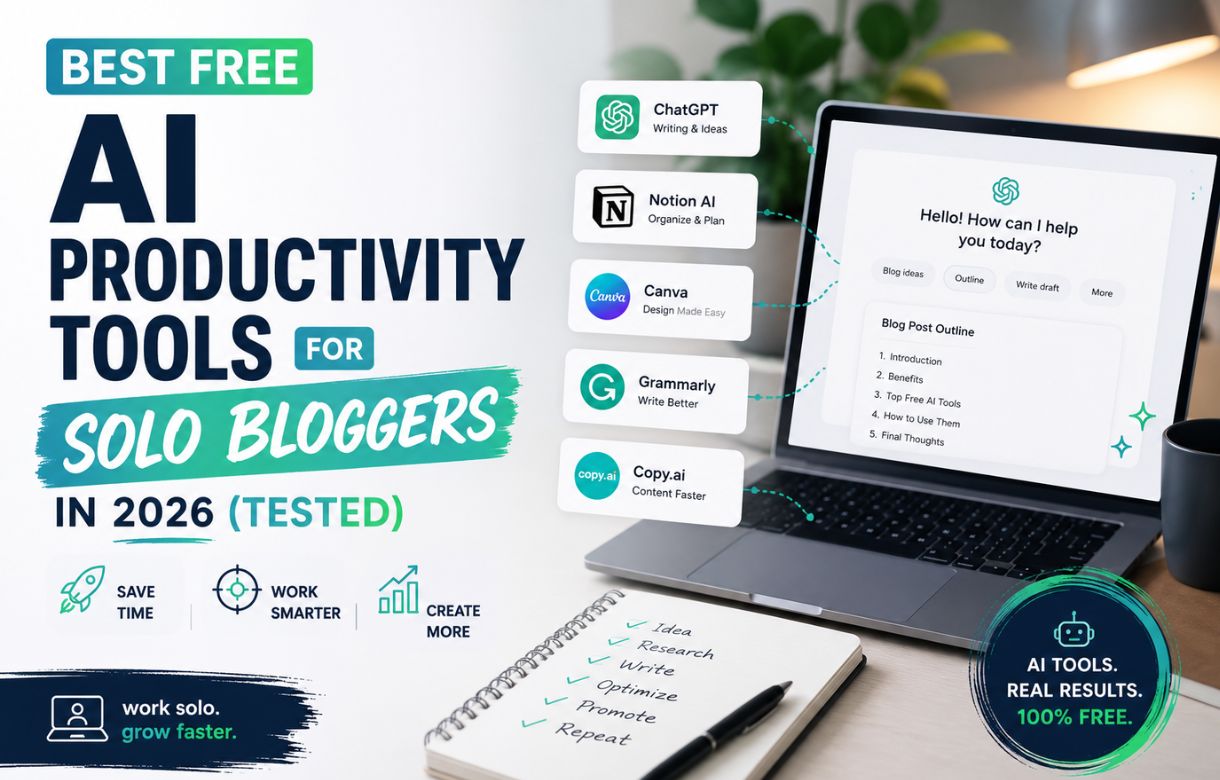
Most “free AI tools” roundups are bait. You sign up, hit a paywall on day two, and realize the free tier was a seven-day trial wearing a costume. I run this blog alone — research, writing, on-page SEO, publishing — and every tool below is something I actually use in that workflow right now, not something I opened once to screenshot for a listicle.
This isn’t a “best of everything” list. It’s what a solo blogger’s stack actually looks like when the budget is zero and the output still has to rank.
What makes a free AI tool actually free?
Three things, and most lists ignore all of them.
No forced trial disguised as a free tier. If the free plan quietly expires or throttles hard after a week, it’s a trial. Call it that.
Usable limits for a real publishing cadence. A tool that gives you five generations a month isn’t part of a workflow — it’s a demo you’ll forget exists.
Output you’d actually publish, not just admire. A tool can be free and still not clear the bar of “good enough to ship,” and that’s worth saying plainly rather than padding a list to hit a round number.
Everything below cleared all three for me. A few close calls that didn’t are noted where relevant, because knowing what to skip is worth as much as knowing what to use.
What AI tools do I use for keyword research?
Free keyword research isn’t about finding one magic tool — it’s about triangulating a few free signals against each other, since none of them is reliable alone.
People Also Ask boxes are still the fastest free signal available: search a broad topic, open a few PAA questions, and more appear as you go. Cross-checking that against Google Trends and a pass through Ubersuggest or AnswerThePublic gets you a workable keyword shortlist without touching a paid tool.
Where AI actually adds value here isn’t generating keywords from nothing — it’s pattern-matching across a messy list of PAA questions and search suggestions faster than I can by hand, and flagging which ones cluster around the same underlying intent. I use it to sort, not to invent.
This only matters if you’re also targeting the right competition level for where your site actually is. I wrote more on that in keyword research for a blog with zero traffic — the short version is that a zero-authority site needs a much narrower target than most keyword tutorials assume.
What AI tools do I use for on-page SEO and hygiene?
This is the one place I don’t lean on AI much at all, and that’s deliberate.
On-page SEO works better as a shape your writing follows from the start than a checklist you run after a draft is done — direct-question headings, keyword in the title and one early heading, natural coverage rather than repetition. That’s a writing discipline, not something a tool bolts on afterward. I’ve written the full version of this in on-page SEO for beginners.
Where a free tool does help: RankMath’s free tier catches the mechanical stuff — missing alt text, a title that’s run too long, an obvious internal-linking gap — the boring hygiene checks that are easy to skip by accident on a solo workflow with no second set of eyes. It won’t tell you if your writing sounds like it was bent out of shape to fit a keyword. That part’s still a read-aloud test, done by you.
Key Facts: Free AI Productivity Tools for Solo Bloggers
Free ≠ trial in disguise
Real free tiers have no forced expiry and usable limits for a solo cadence. Hard throttling after a week means it’s a trial wearing a costume.
Triangulate keyword research
PAA boxes, Trends, and Ubersuggest cross-checked beat any single tool. AI sorts and clusters — it doesn’t invent keywords from nothing.
On-page SEO is a discipline, not a plugin
RankMath catches mechanical gaps. Writing that’s bent to fit a keyword still needs the read-aloud test.
Draft with AI, rewrite before publish
Treat AI output as a first draft to rewrite, not a finished piece to lightly edit. The humanization pass removes hedging and filler.
Search Console isn’t AI — but AI can summarize it
The one source showing what’s real. AI speeds up reading big exports; it doesn’t replace understanding the numbers.
Overhyped: replacing judgment, not assisting it
No free tool tells you if a keyword is winnable, a paragraph sounds human, or a topic is worth writing at all.
What AI tools do I use for writing and humanization?
I draft with AI assistance and then run every piece through a humanization pass before it goes anywhere near “publish.” That order matters — treating AI output as a first draft to rewrite, not a finished product to lightly edit, is the difference between content that sounds like a practitioner and content that reads like it was generated to hit a word count.
The free tier of most AI writing tools is genuinely usable for drafting — the limits bite on volume, not on quality, which is the opposite of what most “free” software does. Where I’d push back on the hype: none of them replace the pass where you strip out the tells — the hedge-everything phrasing, the paragraph that restates the heading instead of answering it, the transitions that exist because a model needed one, not because the argument did.
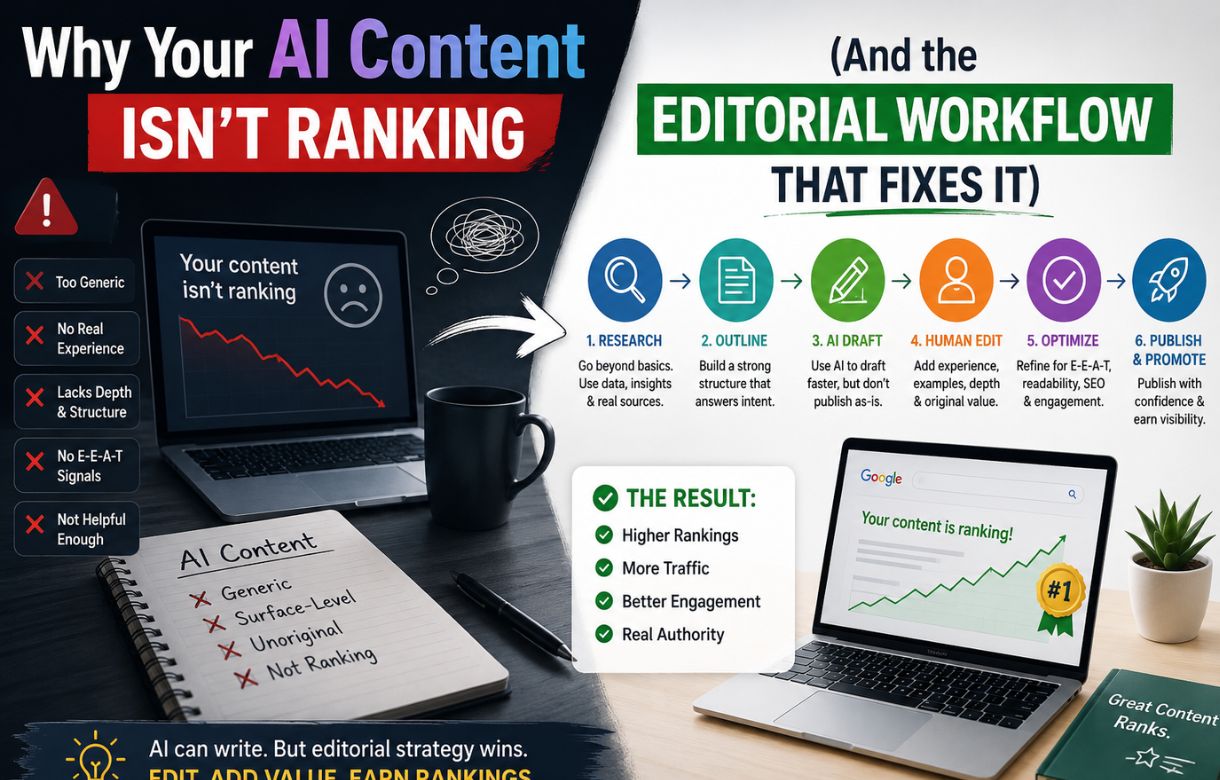
If your content isn’t ranking despite following every on-page rule, this is usually where to look first, not the keyword. I go into the full editorial workflow on why your AI content isn’t ranking.
What AI tools help with Google Search Console data?
Search Console itself isn’t an AI tool, and it doesn’t need to be — it’s the one source that tells you what’s actually happening on your site instead of what a keyword tool estimates might happen. Every other tool on this list is upstream guesswork until this one is running and collecting real data.
Where AI genuinely helps here: summarizing a big Search Console export — which queries are climbing, which pages have impressions but no clicks — faster than scrolling through the interface manually. It’s a shortcut for spotting the pattern, not a replacement for understanding what impressions, clicks, and position actually mean once you’re looking at them. I broke that down fully in Google Search Console for beginners, including what a normal number actually looks like for a new site — it’s smaller than you’d expect, and that’s fine.
Which free AI tools are genuinely worth it vs. overhyped?
Worth it: anything that saves time on a mechanical task you’d otherwise do by hand anyway — sorting keyword lists, summarizing Search Console exports, catching on-page hygiene gaps, drafting a first pass you’re going to rewrite regardless.
Overhyped: anything promising to replace judgment rather than assist it. No free tool tells you whether a keyword is actually winnable for your specific site’s authority level, whether a paragraph sounds human, or whether a topic is even worth writing about in the first place — including topics engineered to look legitimate that aren’t. That judgment call doesn’t get automated, free tier or paid.
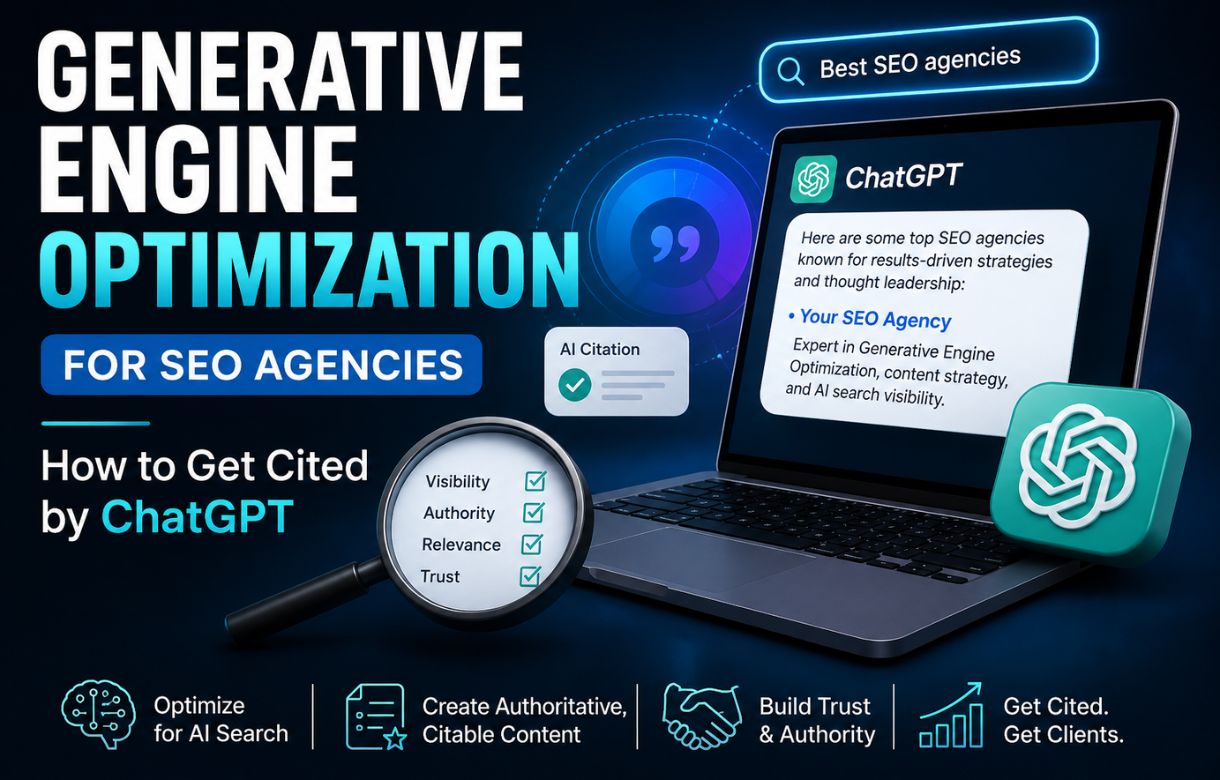
The AI angle on this stack is also shifting the calculus on where content gets found, not just how it gets written — if you’re publishing for an audience that increasingly asks ChatGPT or Perplexity a question instead of Googling it, it’s worth understanding how that changes what gets cited. I wrote about that shift in generative engine optimization for SEO agencies.
FAQ
Is ChatGPT’s free tier enough for blogging?
For drafting and brainstorming, yes — the free tier is usable for a solo blogger’s actual volume. Where it falls short is consistency at scale: heavy daily use will hit limits faster than lighter research-and-summarize tasks.
Do free AI tools hurt SEO if the content isn’t humanized?
Not the tool itself — the unedited output does. AI-drafted content that skips a genuine rewrite pass tends to carry tells (hedging, restated headings, filler transitions) that read as low-effort to both readers and search engines, independent of which tool produced the draft.
Do I need a paid keyword tool eventually, or can free tools carry a whole blog?
Free tools can carry a solo blog further than most people assume, especially early on when the realistic keyword targets are narrow and low-competition anyway. A paid tool becomes more valuable once you’re competing for keywords with real backlink competition — a problem free tools are less useful for solving.
Which free AI tool should a brand-new blogger start with first?
Whichever one removes the biggest bottleneck in your actual workflow, not the one with the longest feature list. For most solo bloggers starting from zero, that’s usually keyword triangulation or a Search Console summary — the stages where you’re making decisions without much information yet.