Most Search Console guides are interface tours — click here, verify this, connect that. Useful the first time, forgotten five minutes later, because the actual hard part isn’t finding the buttons. It’s knowing what the numbers mean once you’re staring at them.
If arriving from the SEO Roadmap for Beginners pillar, this is the tool that showed me my first pages were quietly sitting at positions 4 to 6 — long before I understood what that number actually meant. This post is part of that story; the roadmap didn’t have room for it.
What is Google Search Console, and why do you need it before anything else?
Search Console is Google’s own record of how your site shows up in search — what people typed, which pages appeared, whether they clicked. It’s free, it’s not an estimate or a third-party guess, and it’s the only source that tells you what’s actually happening instead of what you hope is happening.
That’s why it comes before keyword tools, before a plugin, before writing a single word of a new article. Everything else in an SEO workflow is a decision you’re making without evidence until Search Console is running and collecting data.
How do you actually set up Search Console for a WordPress site?
Three things need to happen: verify ownership of your domain, confirm your sitemap is submitted, and give it time.
Verify ownership of your domain
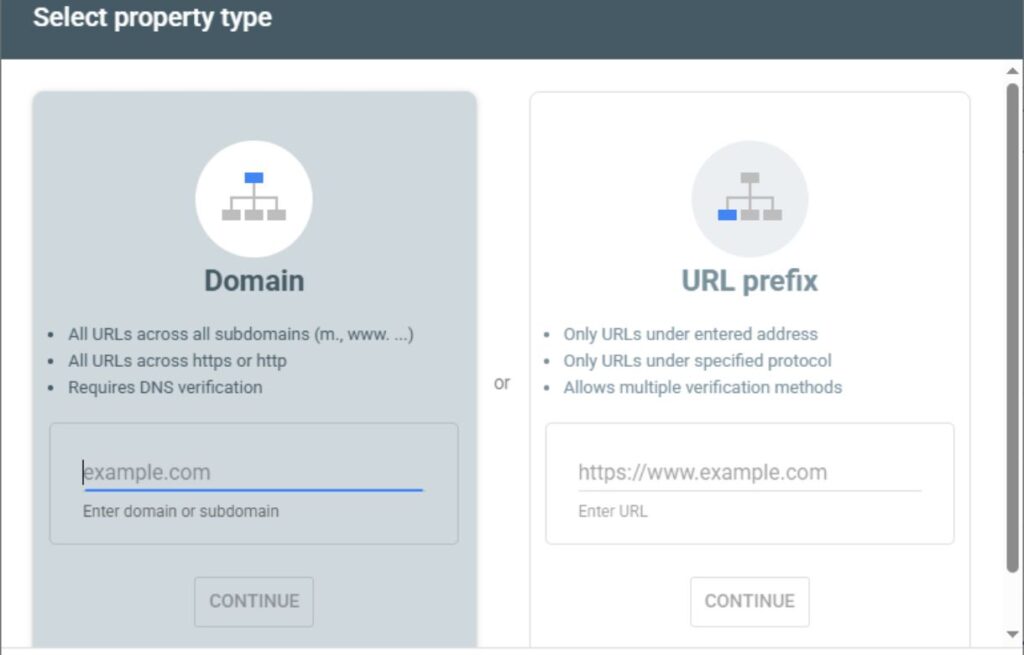
This is the only fiddly part, and Google’s own setup documentation walks through the exact method for your situation (DNS record, HTML file, or a plugin like RankMath that can handle it automatically) — it changes often enough that repeating the steps here would go stale faster than it’s worth.
Confirm your sitemap is submitted
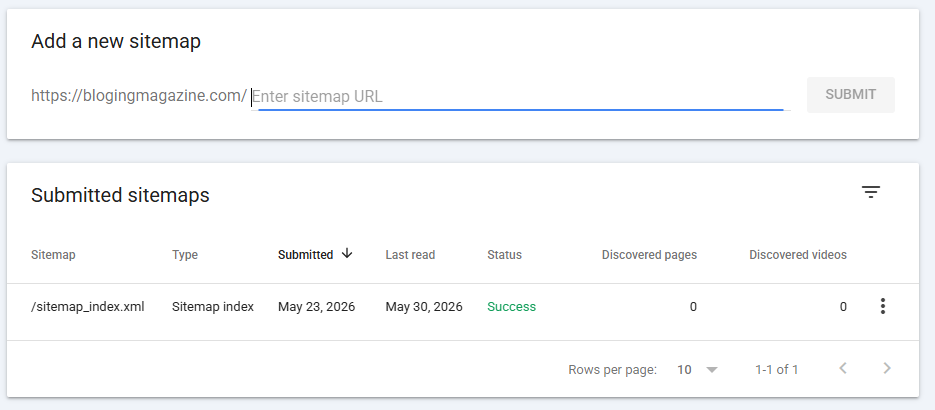
Once ownership is verified, submit your sitemap so Google knows what to crawl. Most SEO plugins, including RankMath, generate this automatically — you’re usually just pasting a URL into Search Console rather than building anything by hand.
Give it time
What matters more than the click-by-click is what happens after: nothing, for a while. Verification doesn’t mean data starts flowing immediately. It takes days for early data to show up and longer for it to become genuinely useful, so don’t treat an empty dashboard on day one as a sign something’s broken.
What do impressions, clicks, and position actually mean?
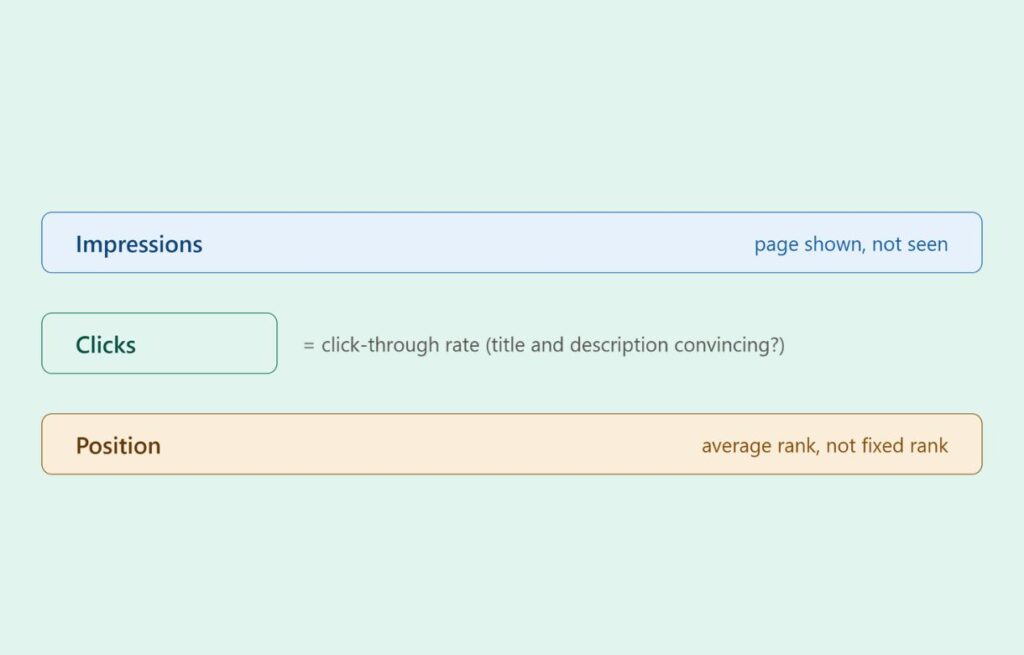
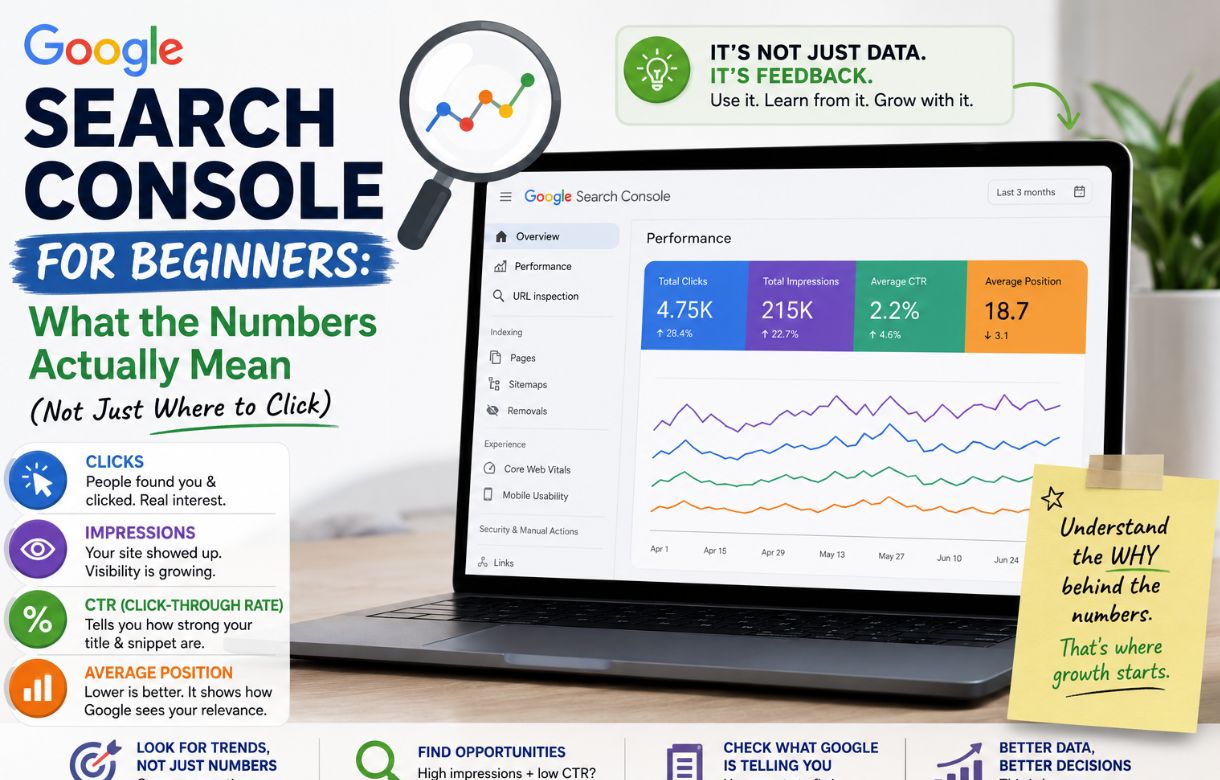
An impression means your page showed up somewhere in a search result — could be position 3, could be position 90. It doesn’t mean anyone saw it in any meaningful sense; it just means it existed on a results page.
A click means someone’s impression became a visit. The ratio between the two — click-through rate — tells you whether your title and description are actually convincing someone to choose your result over the others on the page. A page can have decent impressions and terrible clicks, and that’s a title problem, not a rankings problem.
Position is your average rank across every search that triggered an impression. This is the number beginners fixate on, and it’s the one most likely to mislead you, because it’s an average — a page bouncing between position 3 for an easy query and position 40 for a harder one can average out to a “position” that doesn’t represent either. All this is also helpful for keyword research; you can decide which keyword you should focus on and which are not getting any response.
What’s a normal number for a new site?
Small. Smaller than it feels like it should be worth checking.
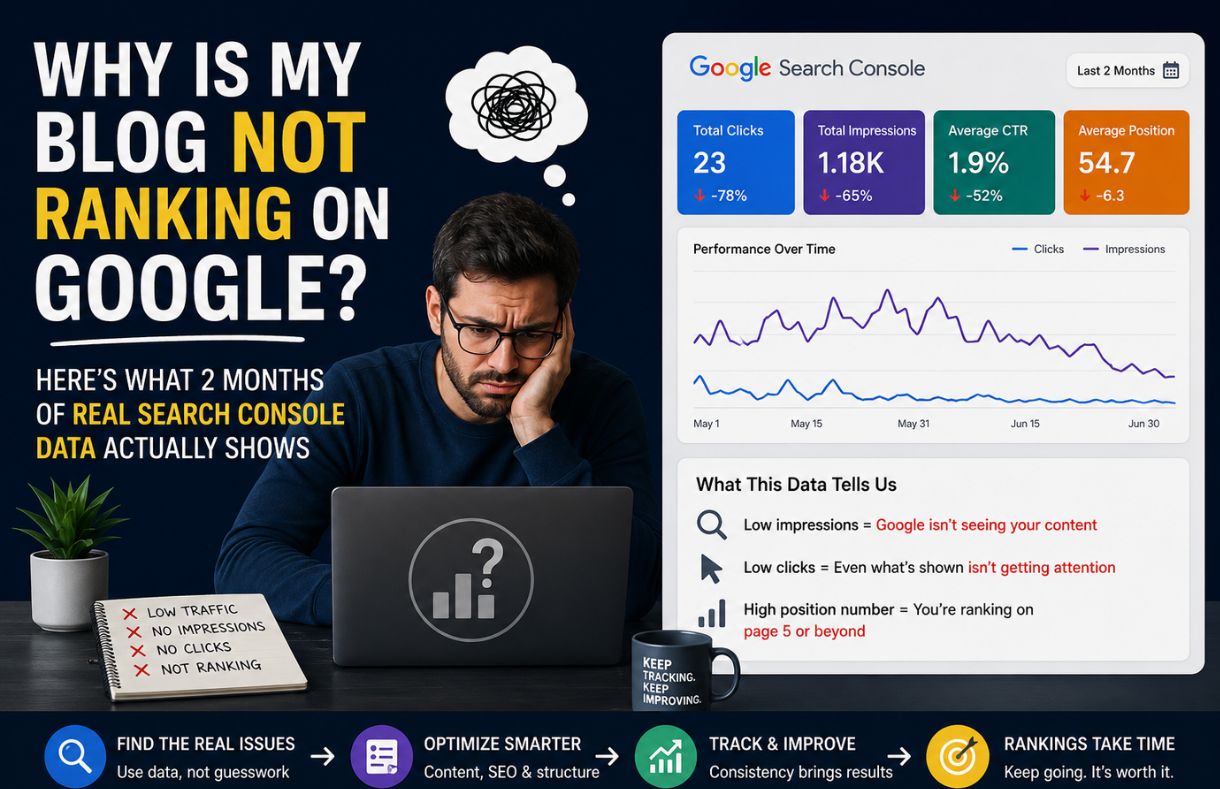
A handful of impressions a day, clicks in the single digits, positions scattered across pages two and three — that’s not failure, that’s what a new domain with no history looks like while Google is still figuring out where to place it. The trap is comparing your week-one dashboard to a screenshot from someone’s “I made $10k blogging” post, which seldom shows you their starting point.
The number worth watching isn’t the absolute size; it’s the direction. Is total impressions trending anywhere over a period of months, even slightly? That’s the signal. A single day’s numbers, in either direction, mean almost nothing on their own.
How often should you actually check it?
Less often than the temptation suggests. Checking daily mostly trains you to react to noise — normal day-to-day fluctuation that has no real cause and no real meaning.
A weekly or biweekly glance is usually enough to catch real trends without getting jerked around by random variation. Save the deeper dive — sorting by page, checking which queries are driving impressions on a specific article — for after you’ve published something new and want to see how it’s landing, or when a page you expected to perform clearly isn’t.
FAQ
Do you need both Search Console and Google Analytics?
They answer different questions. Search Console tells you how you’re doing in search — what people searched, whether they clicked. Analytics tells you what happens after the click — how long they stayed, what they did next. Search Console matters more early on, since there’s little point in analyzing on-site behavior before you’re reliably getting anyone there.
Why do impressions show up but clicks stay at zero?
Usually a title or description problem — the page is appearing, but nothing about how it’s presented is convincing someone to click over the other results on the page. It can also mean the position is low enough that almost nobody scrolls that far, which is a ranking problem rather than a presentation one. Checking the average position for that query is the way to tell which one you’re dealing with.
How long until Search Console shows meaningful data?
Initial data can appear within days of verification, but “meaningful” is a higher bar — usually weeks before there’s enough volume to spot real patterns rather than noise, and longer than that before trends are reliable enough to act on with confidence.
Can Search Console tell you why a page dropped in rankings?
Not directly. It shows you that a drop happened — position worsening, impressions falling — but not the cause. Figuring out why usually means checking what changed: a competitor publishing something stronger, a Google algorithm update, or something on your own page that shifted. Search Console is the smoke detector, not the investigator.