I was skeptical of Content AI the first time I opened it. It sits inside Rank Math as a separate tool from the core SEO plugin, and my first instinct was that it’d be another AI writing gimmick bolted onto a plugin that already does its main job well. After actually using it across a handful of posts on this site, my opinion is more specific than “worth it” or “not worth it” — it’s genuinely useful for one part of my workflow and mostly noise for another.
This is how Content AI actually fits into how I write, not a feature tour of every button in the interface.
What Rank Math Content AI Actually Is
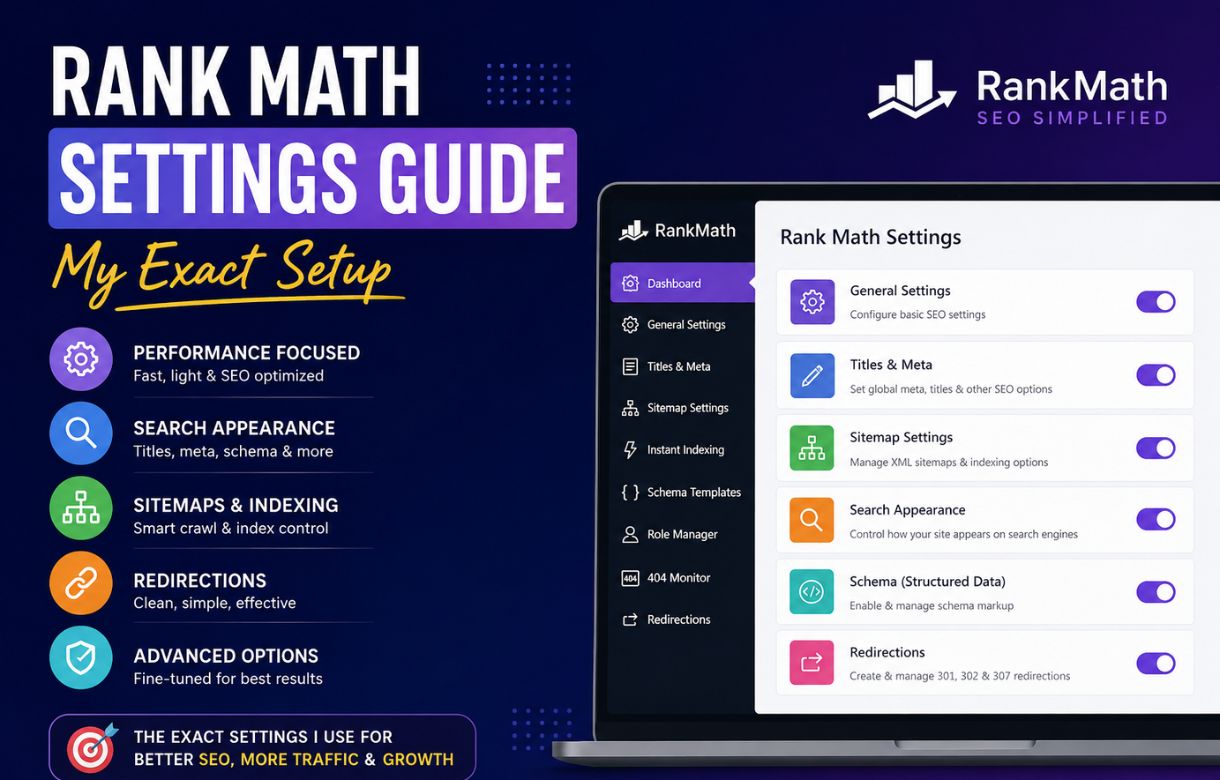
Content AI is a separate product from Rank Math’s core SEO plugin, though it’s built to work inside the same WordPress editor. Where the base Rank Math plugin (the one I cover in my settings guide) checks your on-page SEO against fixed rules — title length, keyword presence, meta description — Content AI does something different: it pulls data from top-ranking pages for your target keyword and gives you a content score based on how your draft compares.
It also includes AI writing tools directly inside the editor — an outline generator, paragraph rewriting, and “write more” style completions — but I want to be upfront that this is the part I use least. The scoring and research side is where I actually get value.
Is Content AI the Same as Rank Math’s Regular Content Analysis?
No, and this trips people up. The free version of core Rank Math already has a Content Analysis checklist — the one with green/red/orange checkmarks for things like “keyword in the first paragraph” or “keyword in the URL.” Content AI is a separate, credit-based tool that goes further: instead of just checking fixed rules, it benchmarks your draft against actual competing pages for that keyword and suggests related terms those pages use that yours doesn’t.
Free Credits vs Paid Plans
Content AI runs on a credit system, separate from your regular Rank Math license. The free tier gives you a small monthly credit allowance — enough to test it on a post or two, not enough to build it into a regular workflow. Once you’re using it seriously, you’re looking at a paid Content AI plan on top of whatever you’re already paying (or not paying) for core Rank Math.
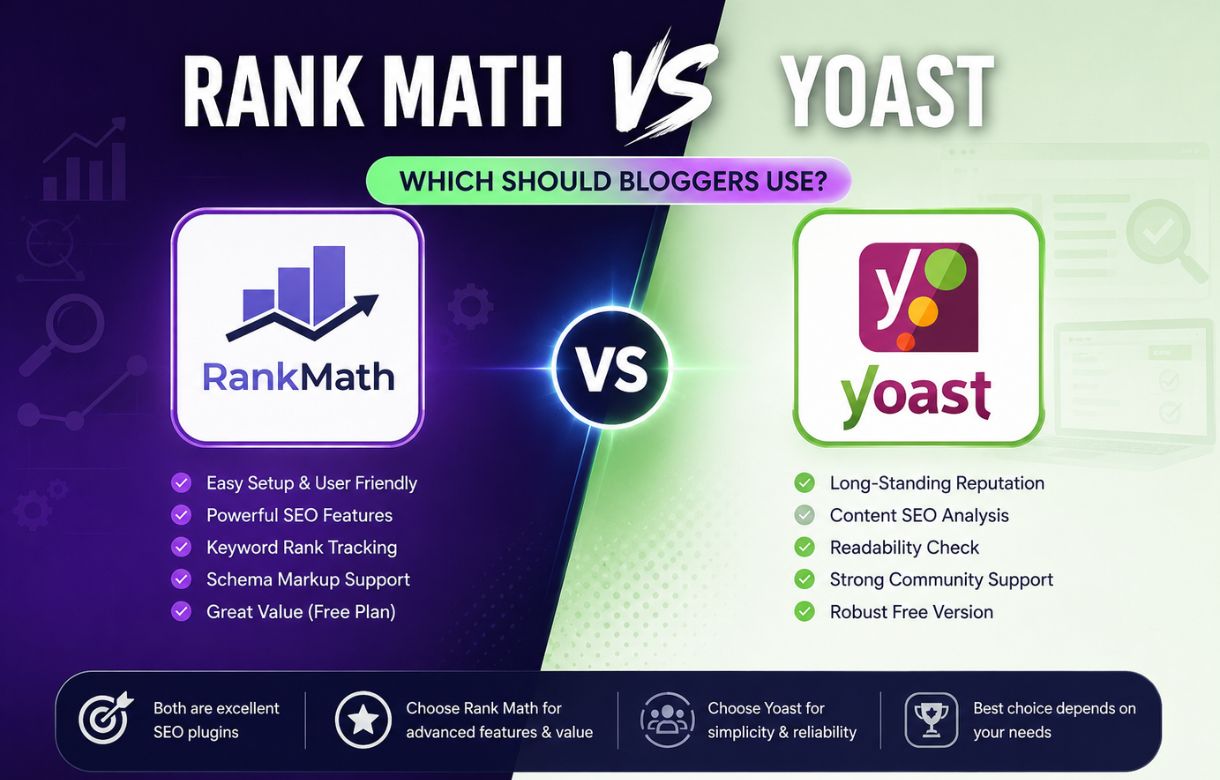
This is worth knowing going in, because it changes how I’d recommend using it. If you’re deciding between Rank Math and Yoast partly based on free-tier value, know that Content AI sits outside that comparison entirely — it’s an add-on cost regardless of which core plugin you use.
Do I Need to Use All My Credits Every Month?
No, and I don’t. I use Content AI selectively — mainly on posts I expect to be competitive, not on every single thing I publish. A quick opinion post or a small update doesn’t need a competitor content score. A post I’m writing to genuinely compete for a specific keyword does.
The Content AI Score: What It’s Actually Measuring
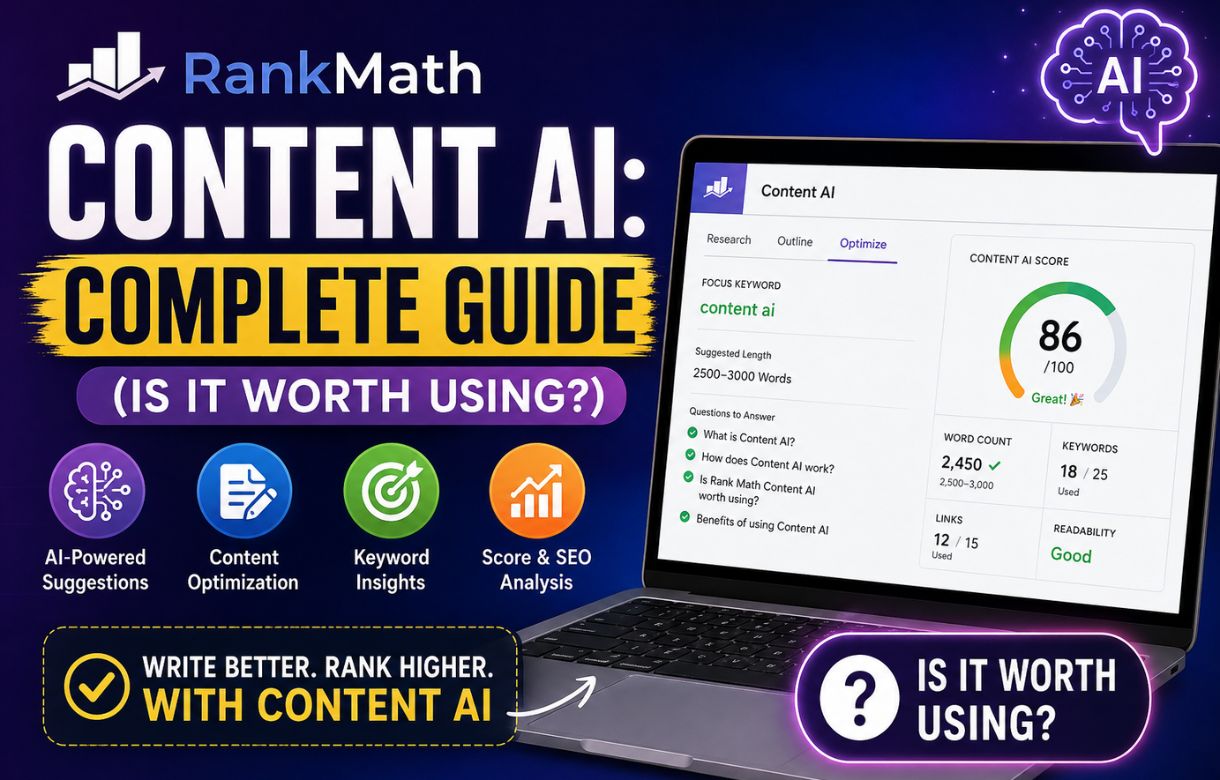
When you run Content AI on a draft, it gives you a score out of 100 alongside a list of related terms pulled from top-ranking competitors, along with suggested word count ranges and heading suggestions.
I want to be direct about how I treat this score: I use it as a checklist of terms I might be missing, not as a target I chase to 100. Early on, I made the mistake of rewriting a perfectly good paragraph just to force in three more “related terms” the tool suggested, and the post read worse for it. The score reflects keyword coverage relative to competitors — it says nothing about whether your writing is actually good, accurate, or useful to a reader.
Should I Trust the Related Keywords Suggestions?
Mostly yes, with one caveat. The related terms are genuinely useful for catching semantic gaps — words and concepts that top-ranking pages cover and mine didn’t think to include. But some suggestions are just noise: generic terms that show up across nearly any page in that topic area regardless of relevance. I skim the list and pick the ones that actually fit what I’m already saying, rather than trying to work in every suggested term.
The AI Writing Tools: My Honest Take
Content AI includes in-editor AI writing features — generating an outline from your target keyword, rewriting a selected paragraph, extending a sentence. I’ve tried all of these, and here’s where I’ve landed:
The outline generator is the one I actually use sometimes, mainly at the very start of a post when I want a quick sense of what subtopics competitors are covering, before I write my own structure from scratch. I never publish the generated outline as-is.
Paragraph rewriting and sentence extension I don’t use. This is a personal-brand blog built on my own real experience with these tools — a rewritten paragraph from an AI model reads generically, and readers on a site like this one are here for a specific person’s actual settings and opinions, not averaged-out phrasing pulled from what ranks elsewhere.
If you write in a more commodity-content style where a competent generic paragraph is genuinely fine, these tools are more useful to you than they are to me. That’s a real difference in use case, not a knock on the feature itself.
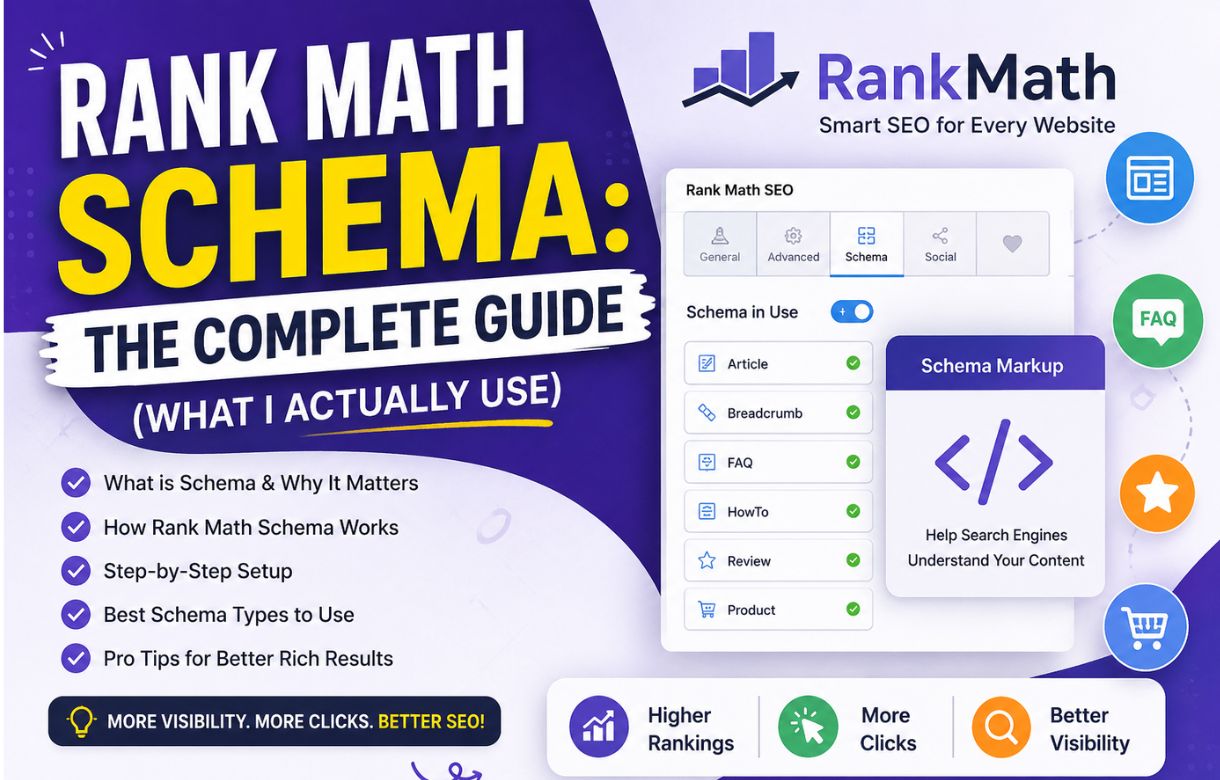
Content AI is a separate feature from Rank Math’s Schema markup, which I’ve covered in a dedicated guide — the two don’t overlap, and I’d treat Schema as the higher-priority setup of the two if you’re choosing where to spend time first.
How Content AI Fits Into My Actual Workflow
In practice, Content AI shows up at exactly one point in how I write a post: after I have a full first draft, before I hit publish. I run the content score, skim the related terms and heading suggestions, adjust anything that’s a genuine gap, and move on. I don’t use it during drafting, and I don’t use it to decide what to write about in the first place — that decision is still keyword research and my own judgment of what I actually know well enough to write about credibly.
Mistakes I Made With Content AI
Chasing the score instead of the reader. Covered above, but worth repeating: a higher Content AI score doesn’t mean a better post. I’ve had posts score in the 60s that outperformed posts I pushed to 90+ by cramming in every suggested term.
Running it too early. Using Content AI on an empty or half-written draft gives you a low, discouraging score that doesn’t mean much yet. It’s a comparison tool — it needs actual content to compare.
Assuming it replaces keyword research. Content AI tells you what’s missing relative to a keyword you’ve already chosen. It doesn’t tell you which keyword to target in the first place. That’s a separate step, done before Content AI ever opens.
Frequently Asked Questions
Is Rank Math Content AI included free with the core plugin?
You get a small free credit allowance, but ongoing use requires a separate paid Content AI plan. It’s billed independently from whatever license tier you’re on for core Rank Math.
Does a higher Content AI score mean better rankings?
Not directly. The score reflects how closely your draft’s keyword coverage matches top-ranking competitors — it’s a proxy signal, not a ranking guarantee. Good writing that’s useful to readers still matters more than the number.
Can I use Content AI with Yoast instead of Rank Math?
Content AI is built specifically into the Rank Math ecosystem and works inside the Rank Math meta box in the editor. It isn’t designed to integrate with Yoast.
Is the AI writing/outline generator any good?
It’s a reasonable starting point for an outline, in my experience — useful for seeing what subtopics competitors cover. I wouldn’t publish its paragraph rewrites as final content; they read generically compared to writing from actual firsthand experience.