Most SEO audits do not fail because the analysis is wrong. They fail because the findings end up in a messy spreadsheet, a pile of screenshots, or a 60-page tool export that nobody reads.
A good template fixes that. It gives you a fixed structure to follow while you audit, and a clean document to hand over when you are done.
This page gives you a free SEO audit report template you can fill in right here and download as a PDF. No sign-up, no file to install. Below the form, I explain what each section is for and how to write findings a client will actually act on.
If you are new to auditing, my guide on how to do an SEO audit for bloggers walks you through the checks. This post covers how to record and present what you find.
What Is an SEO Audit Report Template?
An SEO audit report template is a ready-made structure for documenting an audit. It tells you what to check, where to record the result, and how to present the findings in order of priority.
Using one has three practical benefits.
It keeps you consistent, so you do not forget a check on the tenth audit that you remembered on the first. It makes you faster, because you are filling in a structure instead of inventing one. And it makes your work look professional, since every client gets the same clear, organized document.
Free SEO Audit Template: Fill In and Download as PDF
The form below is a free SEO audit template you can use as many times as you like. It works for your own site or for a client’s.
SEO Audit Form
Fill in each section as you audit. Your progress saves in this browser as you type. When you finish, download the completed audit as a PDF to share with your client.
Here is what you get.
Ten sections covering project details, baseline metrics, technical SEO, on-page SEO, content, off-page and backlinks, local SEO, priority findings, quick wins, a 30-60-90 day roadmap, and a summary.
A 34-point checklist. Mark each item Pass, Issue, or N/A and add a short note or piece of evidence. A running score shows what share of your answered checks passed.
A priority findings table where you rank issues by impact and effort.
Autosave, so you can close the page and come back. Your answers are saved in your own browser.
A Download PDF button that turns your answers into a formatted report. The PDF is created on your device, so nothing is uploaded or stored on my server, and I never see what you type.
How Do You Use the Free Template?
The order below keeps the audit efficient.
Start with the project details and baseline. Before you check anything, record the client, the site, and the current clicks, impressions, average position, and indexed pages from Google Search Console. This baseline is what you will compare against later to prove the work helped.
Work through the checklist section by section. Mark each item as you go and add a note whenever something is an issue. A short note with an example URL is worth more than a long paragraph written later from memory.
Skip the local section when it does not apply. If the site is not a local business, leave it blank. Empty sections are left out of the PDF.
Fill in the priority findings last. After the checklist, you will know which problems matter most. Pull the top ones into the findings table, rank them, and write a recommended fix for each.
Finish with the summary. Write it in plain language, as if the reader will only look at this page. Then download the PDF.
What Is Included in an SEO Audit?
The template mirrors the areas a complete audit covers.
What Does the Technical Section Check?
Whether search engines can crawl, render, and index the site. That includes indexing status, the sitemap, robots.txt, HTTPS, Core Web Vitals, mobile usability, broken links and redirects, canonical tags, and structured data.
What Does the On-Page Section Check?
How individual pages are set up: title tags, meta descriptions, headings, URLs, images, internal links, and whether each page matches search intent.
What Does the Content Section Check?
Whether the content deserves to rank. You look for thin or outdated pages, posts that compete with each other, off-topic pages, and gaps compared with competitors. The form also asks you to count how many pages to keep, update, merge, or remove.
What Does the Off-Page Section Check?
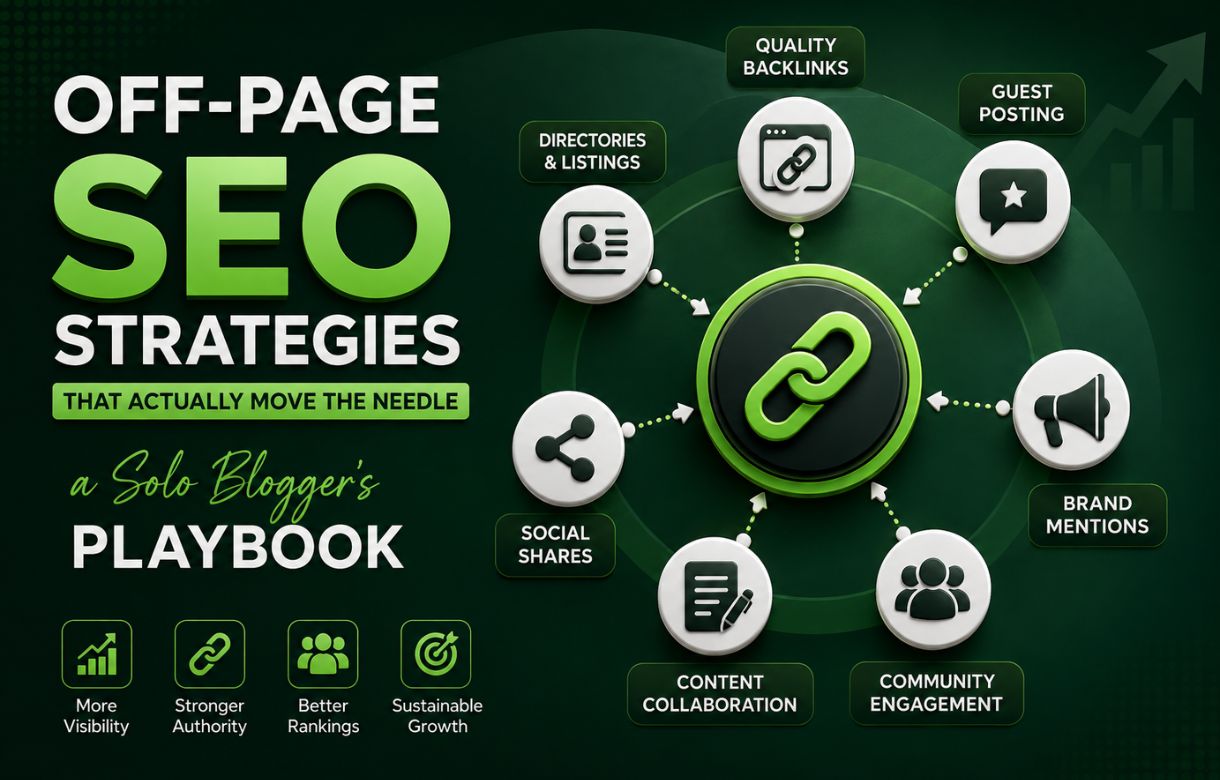
The backlink profile: link quality, spammy or irrelevant links, anchor text, and how the site compares with competitors.
What Does the Local Section Check?
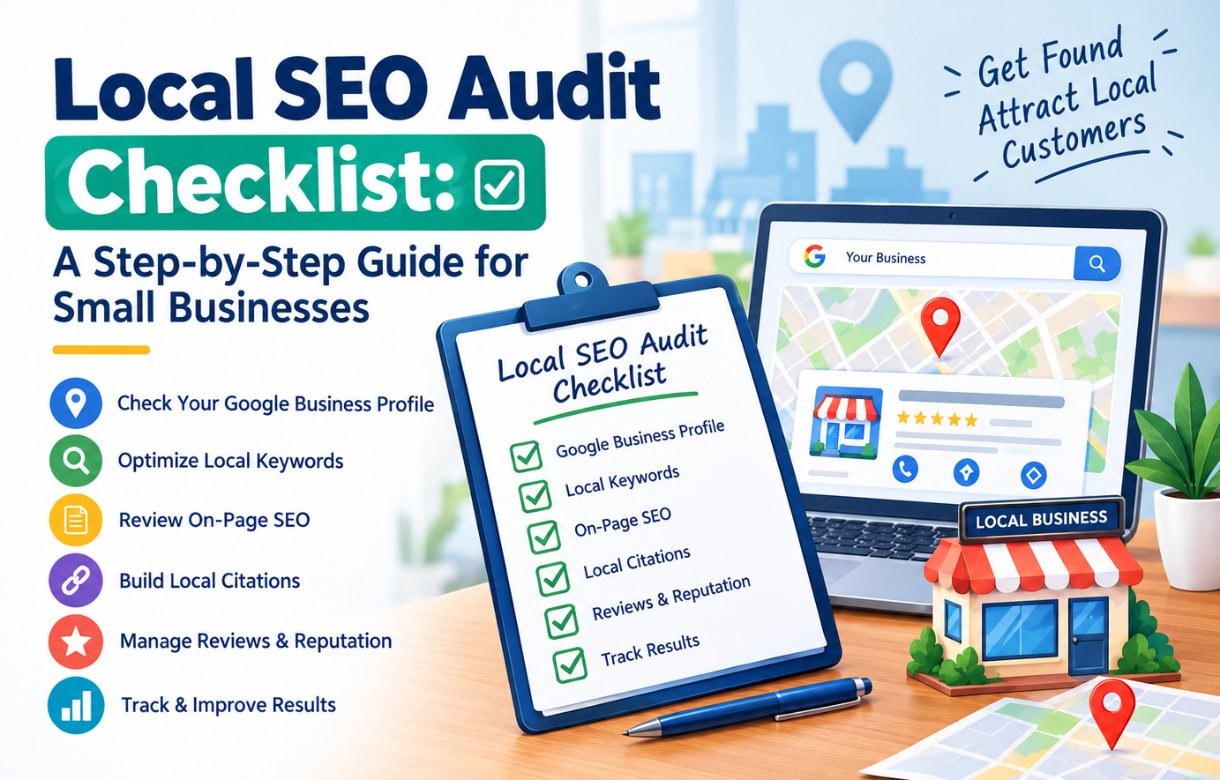
For local businesses, the Google Business Profile, category choices, consistency of name, address, and phone details, reviews, and local listings. I cover these in more depth in my local SEO audit guide.
How Do You Write an SEO Audit Report Clients Will Read?
The form gives you the structure. These habits turn it into something a client can act on.
Why Should You Lead With the Summary?
Many clients will read one page. Make it the page that matters. State the overall health of the site, the three to five biggest issues, the biggest opportunities, and the single most important next step.
The summary section sits at the end of the form because you cannot write it until the audit is done. In the finished report, it belongs at the front.
How Do You Write a Good Finding?
Every finding should answer five questions: what is the issue, where is the evidence, why does it matter, how do you fix it, and how urgent is it.
"Fix duplicate title tags" is a weak finding. "Forty pages share the same title, so search engines cannot tell them apart. Give each page a unique title that matches its topic" is a strong one. The reader understands the problem, the reason, and the action.
How Should You Prioritize Issues?
Rank by impact and effort. High impact and low effort go first, because those are the quick wins that show movement early. Indexing problems and broken pages usually outrank copy tweaks.
Avoid listing 200 minor warnings next to three serious problems. A site with a sitemap error and a few thin pages needs those two things fixed, not a 40-page document.
What Should the Roadmap Look Like?
Group the work into phases: the first 30 days, days 31 to 60, and days 61 to 90. If you can, say who owns each item, such as the developer, the writer, or the site owner. A report with no owner for its recommendations tends to sit in a folder.
How Do You Make the Report Easy to Share?
Use screenshots and example URLs so the reader can see each problem. Explain jargon in a sentence. Keep technical detail, such as full URL lists and crawl exports, in an appendix so the main report stays short.
If the client wants ongoing tracking after the audit, a dashboard helps. My roundup of Looker Studio templates for SEO reporting is a good place to start.
How Long Does an SEO Audit Take?
If you are using this template for client work, you will be asked this. There are two different answers: the hours you actually work, and the calendar days before you deliver.
These are rough estimates for a typical audit, not industry benchmarks. Your speed, tools, and scope will change them.
| Site size | Working time | Typical turnaround |
|---|---|---|
| Small (under about 100 pages) | 4 to 10 hours | 3 to 5 business days |
| Medium (about 100 to 1,000 pages) | 10 to 25 hours | 1 to 2 weeks |
| Large (about 1,000 to 10,000 pages) | 25 to 60 hours | 2 to 4 weeks |
| Very large or e-commerce | 60+ hours | 4+ weeks, often phased |
The biggest cause of delay is waiting for access to Search Console, analytics, or the CMS, so ask for it on day one. Quote a range rather than a date, and start the clock when you have received access.
If you are still deciding what to charge, my guide to SEO audit cost and pricing covers typical ranges and what drives them.
What Should You Do After the Audit?
The audit is only a list until someone acts on it. Send the PDF with a short covering note, and offer a 30-minute walkthrough call. A call often does more for client trust than another ten pages of analysis.
Then make clear what happens next: whether you will implement the fixes, whether the client will, and when you will re-check the baseline numbers. Compare against the baseline after four to eight weeks, because Search Console data needs time to reflect changes.
If you want to turn the audit into ongoing work, you will need a proposal. I am writing a separate guide with a free SEO proposal template (#PENDING-seo-proposal-template).
Common Mistakes When Using an Audit Template
The first is treating the checklist as the whole job. A template records your judgment. It does not replace it, and a page of green ticks can still hide a serious problem.
The second is skipping the baseline. Without starting numbers, you cannot show that your fixes worked.
The third is handing over raw tool output. Clients can run a crawler themselves. They pay you for interpretation and priorities.
The fourth is writing vague findings. Always include evidence and a fix.
The fifth is copying the same summary for every client. Use the same structure, but tailor the findings and recommendations. Clients can tell when a report is generic.
Free SEO Audit Template FAQ
Is the SEO audit template really free?
Yes. You can fill it in and download the PDF as many times as you like, for your own sites or for clients.
Do I need to sign up or give my email?
No. The form runs in your browser, and the PDF is created on your device.
Is my data saved anywhere?
Your answers are saved only in your own browser so you can return to them. I do not receive them. Clearing the form removes them.
Can I use this template for client work?
Yes. Add your client's details, complete the audit, and send them the PDF.
What is in the PDF?
The project details, your checklist score, every answered checklist item with its status and notes, the priority findings, the roadmap, and your summary. Empty sections are left out.
What if the PDF button does not work?
Use the Print button and choose Save as PDF in your browser's print window.
How often should I run an audit?
A full audit once or twice a year is enough for most sites, with lighter monthly checks in between. Run an extra one after a redesign, migration, or sudden traffic drop.
Final Thoughts
A template will not make you a better SEO, but it will make your audits faster, more consistent, and easier to explain. That is most of what clients notice.
Fill in the form for your next audit, download the PDF, and see how it reads to someone who did not do the work. If the first page tells them what is wrong and what to do next, the template has done its job.