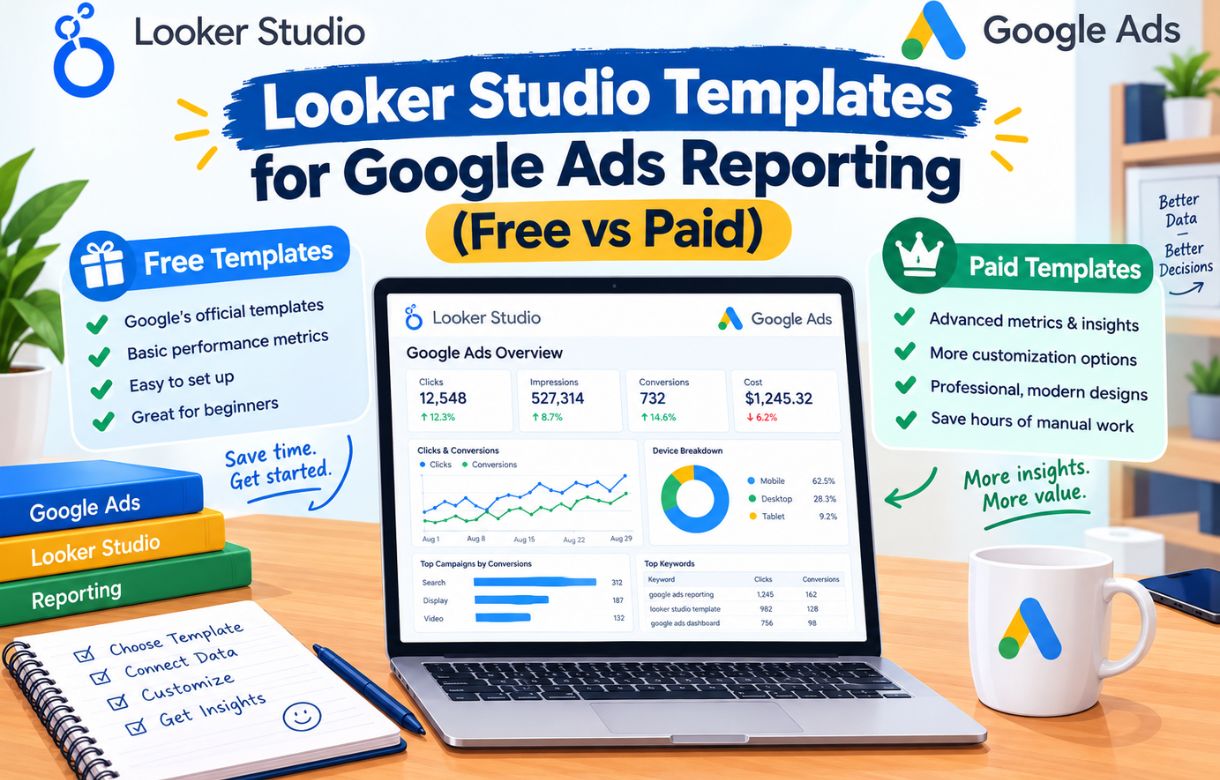
Once you’ve connected Google Ads to Looker Studio, the next question is usually whether to keep building your own dashboards from scratch or start from someone else’s template. Both free and paid options exist in real volume for this exact use case, and the honest answer is that neither is automatically the right call — it depends on what you’re actually trying to get out of the dashboard.
I’ve used both approaches at different points, so this is a genuine comparison, not a pitch for either side.
What’s actually different between a free and a paid template?
Free templates are usually built by individual marketers or agencies as a lead magnet or portfolio piece, shared through a blog post or a community like Reddit’s PPC forums. They tend to cover the fundamentals well — spend, clicks, conversions, cost per conversion — but rarely go deeper than that, and support is whatever goodwill the creator has time for, which is to say, usually none.
Paid templates, sold through marketplaces or directly by agencies and consultants, typically add things free versions skip: more sophisticated blended views across multiple accounts, pre-built conversion funnel visualizations, built-in benchmarking against industry averages, and often some form of actual support if something breaks. The price range varies widely, from a one-time $20–50 purchase to ongoing subscription-based template libraries tied to a broader reporting tool.
Is a free template actually good enough for most people?
For a solo blogger or small business managing one or two accounts, yes, in most cases. The core metrics that matter — the same ones I laid out in building a dashboard from scratch — don’t change based on how much you paid for the template. Spend, clicks, conversions, and cost per conversion plotted sensibly over time is the backbone of a useful PPC dashboard, and a well-built free template covers exactly that.
Where free templates genuinely fall short is in edge cases: multi-account blending done correctly (a surprising number of free templates get this part wrong or skip it entirely), conversion tracking set up for anything beyond the most basic goal type, and ongoing maintenance as Google occasionally changes field names or deprecates old reporting fields.
When does paying for a template actually make sense?
You’re managing multiple client accounts and need reliable, pre-solved multi-account blending. This is the single strongest case for paying. Blending several Google Ads accounts correctly in Looker Studio — matching currency, aligning date ranges, avoiding double-counted conversions — is a real technical challenge, and a paid template that’s already solved it reliably can save hours of troubleshooting versus a free version that half-works. If this is your situation, it’s worth reading alongside How to Automate Client PPC Reports Using Looker Studio, since the automation and the template quality compound each other for agency-style reporting.
You want built-in client-facing polish. A free template is usually built for the creator’s own use, with minimal attention to how it looks to someone outside the industry. Paid templates aimed at agencies often include better default styling, clearer labeling, and layout choices that read well to a client who doesn’t know what “cost per conversion” means without context.
You’ve hit a wall with a specific technical limitation. If you’ve tried building a multi-campaign comparison view, or a funnel visualization from impression through conversion, and you’re spending more time fighting Looker Studio’s chart options than it would cost to buy a template that’s already solved it, that’s a legitimate reason to pay rather than a failure on your part.
When is paying genuinely not worth it?
If your actual need is the same core four metrics most small accounts care about, paying for a template mostly buys you better aesthetics and someone else’s layout opinions, not meaningfully different data access. I’d rather see someone spend an hour customizing a free template to their own priorities than pay for a paid one that still needs customization anyway—the setup work doesn’t fully disappear just because you paid for the starting point.
It’s also worth being skeptical of templates marketed heavily around “AI-powered insights” or automated recommendations layered on top of standard Google Ads metrics. In my experience, these add-ons rarely outperform a human looking at the cost-per-conversion-by-campaign table and asking, “Why is this one so much more expensive than the others?” —which is a question any decent free template setup already lets you answer.
How do you evaluate a specific template before committing to it?
Check what data source structure it expects. Some templates are built around a single account connection; others assume a blended multi-account setup from the start. Using a single-account template and trying to retrofit it for multiple accounts later is more work than starting with the right structure.
Look for a recent “last updated” date, if the marketplace shows one. Google Ads occasionally renames or deprecates fields, and a template that hasn’t been touched in two years sometimes breaks on a modern connection, or shows blank charts where a renamed field used to sit.
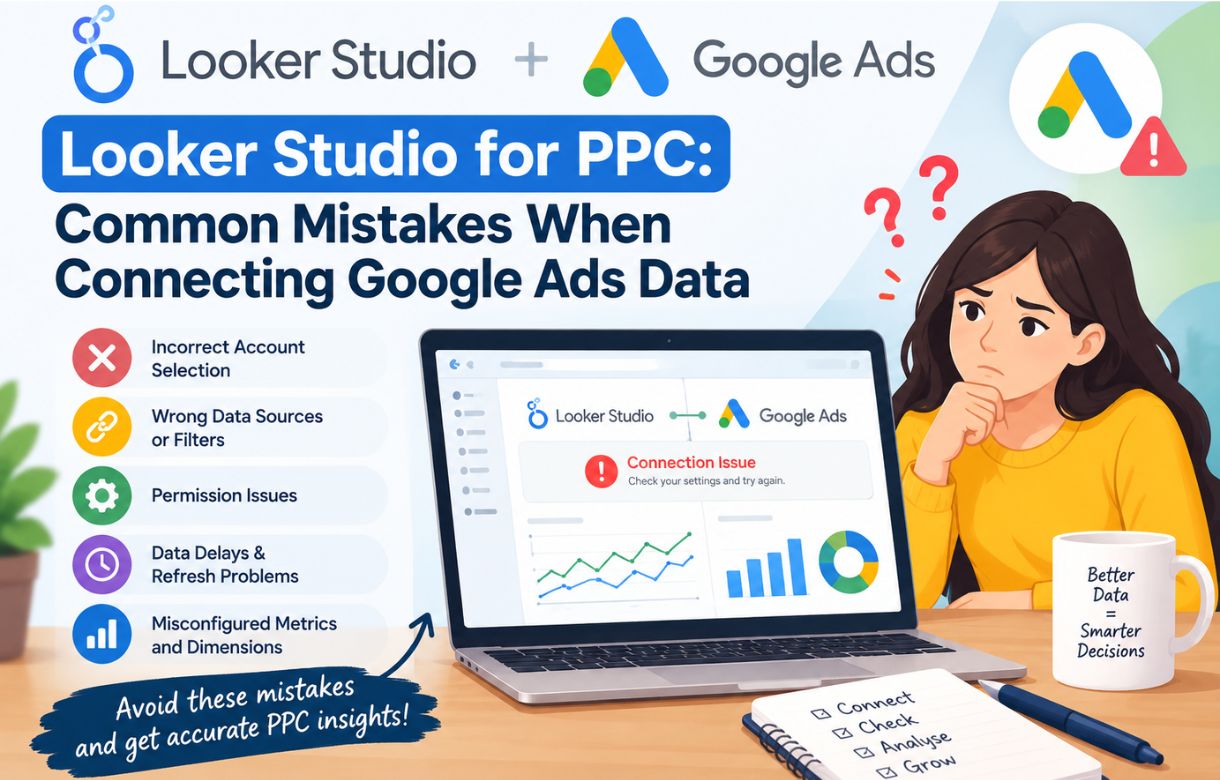
Read reviews for mentions of currency or multi-account issues specifically, if you’re buying for agency use. This is the single most common failure point in both free and paid templates, and it’s exactly the kind of thing that’s invisible until you’ve connected your own accounts and start seeing numbers that don’t add up — the same class of problem I cover in Looker Studio for PPC: Common Mistakes When Connecting Google Ads Data.
Test it with a single account first, even if your end goal is a multi-account setup. Confirming the core connection and field mapping works correctly before adding complexity makes it much easier to isolate where a problem is coming from if something doesn’t look right.
What’s the actual cost-benefit breakdown?
For a solo blogger or very small operation managing their own ad spend: a free template, customized over an afternoon, almost always wins. The time saved by paying doesn’t offset even a modest template cost when your reporting needs are simple.
For an agency or freelancer managing five or more client accounts: a well-reviewed paid template, especially one built specifically for multi-account blending, often pays for itself quickly in the hours it saves versus building and debugging that structure from scratch. This is really a labor-cost calculation more than a features calculation — you’re paying to skip a genuinely fiddly technical problem, not paying for data you couldn’t otherwise access for free.
Should Review-category readers expect a specific recommendation here?
Deliberately not pointing to one specific paid product by name in this post, since template marketplaces change inventory and pricing often enough that a specific pick risks going stale quickly. The decision framework above — account count, technical complexity, and whether client-facing polish matters — should get you to the right call regardless of which specific templates are currently available when you’re reading this.
Where do people actually find these templates?
Free templates tend to circulate through PPC-focused communities — marketing subreddits, LinkedIn posts from practitioners sharing their own setups, and blog posts like this one where someone’s walking through their own dashboard. They’re rarely centrally catalogued anywhere, so finding a good one is partly a matter of trusting the source who built it and checking that they actually use Google Ads reporting themselves, rather than having built a generic template without real campaign data to test it against.
Paid templates are more commonly found through dedicated template marketplaces and directly through agency websites that sell their own internal tooling as a side product. The marketplace listings usually make it easier to compare reviews and ratings before buying, which is harder to do with a free template shared informally through a blog post or community thread, since there’s rarely a review history attached.
A middle option worth mentioning: some agencies offer a free, simplified version of their template publicly, with a paid “pro” version unlocking the multi-account blending or client-facing polish. This is a reasonable way to test whether a creator’s approach actually fits your needs before paying for the fuller version.
FAQ:
Can I start with a free template and upgrade to a paid one later?
Yes, and this is often the more sensible path. Start free, identify exactly where it falls short for your specific situation, and only pay for a template that solves that specific gap rather than guessing upfront what you’ll need.
Do paid templates include ongoing support if something breaks?
It varies widely by seller. Some marketplace templates include basic support or update notifications; others are a one-time purchase with no ongoing help. Check this specifically before buying if reliability matters to your use case.
Are free templates safe to use with client Google Ads accounts?
Generally yes, since the template itself doesn’t have write access to your account — it’s only a reporting structure that reads data once you connect your own source. The real risk with a poorly built free template is inaccurate reporting, not any kind of account security issue.
Is it worth building my own template to sell to others?
If you manage Google Ads reporting regularly enough to have refined your own setup, it’s a reasonable side option, though the market for PPC Looker Studio templates is more crowded than it might first appear. Worth researching existing competition before investing significant time in building one specifically to sell.