
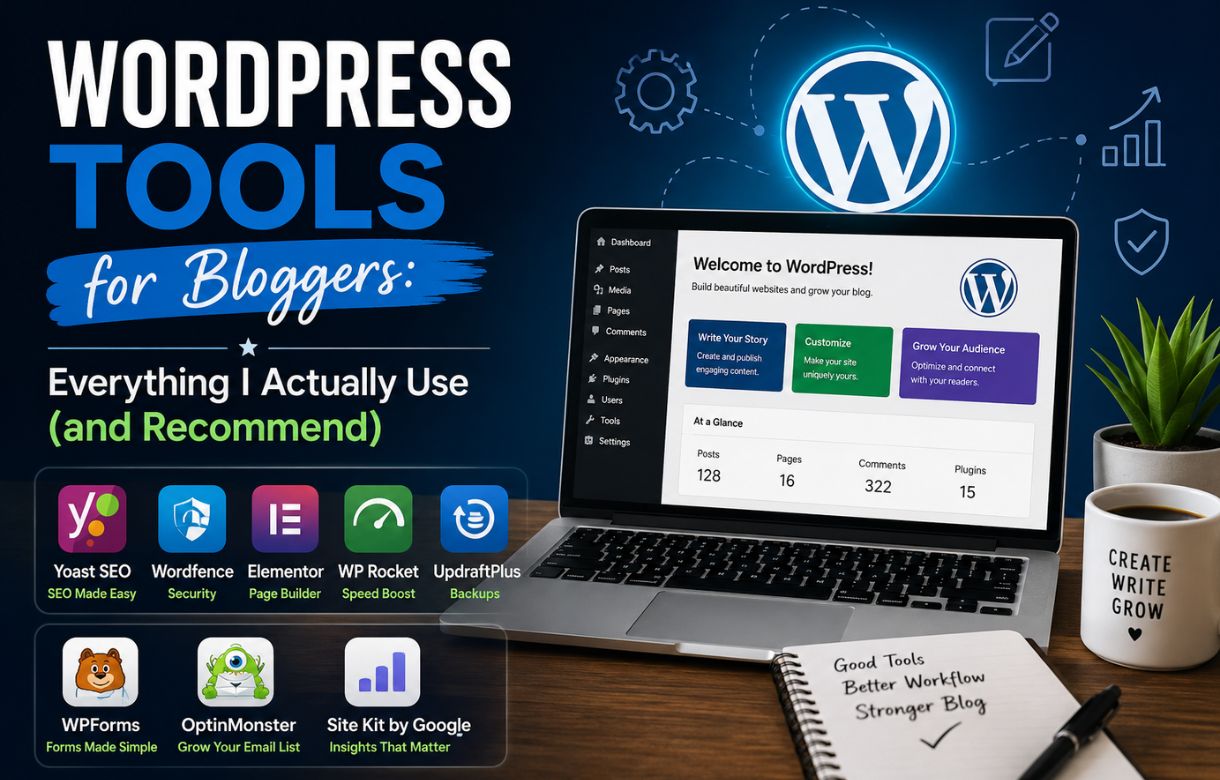
When I started blogging, I thought WordPress was the tool. It took me a while to realize WordPress is just the foundation — the actual work of running a blog happens through the plugins, hosting, and page builders you stack on top of it.
I run this entire site solo. Every plugin recommendation here is something I’ve either installed myself, tested on a real post, or ruled out after it caused more problems than it solved. This isn’t a roundup of “top 10 tools” pulled from other blogs — it’s the actual stack I rely on, organized by what each tool is for.
Why Your Choice of Tools Actually Matters for SEO
A lot of bloggers treat plugin selection as a one-time setup task and move on. I used to do the same thing, until I noticed my site speed, indexing, and even my rankings shifting based on which tools I had active.
Your hosting affects your Core Web Vitals. Your SEO plugin affects how Google reads your schema and metadata. Your page builder affects how much bloat gets added to every single post. None of these are “set and forget” — they compound over time, for better or worse.
That’s why I’m building this out as a full resource rather than a single post. Below, I’ve grouped the tools into the categories that actually matter for a blog, with links to deep-dive guides as I publish them.
What SEO Plugin Should Bloggers Use?
Your SEO plugin is probably the single most important tool on your site after your theme. It controls your meta titles, schema markup, sitemaps, and — depending on which one you use — a growing list of AI-powered content features.
I’ve used both Rank Math and Yoast SEO on real sites, and I’ll be publishing full settings breakdowns for each:
- #PENDING-rank-math-settings-guide
- #PENDING-yoast-seo-settings-guide
- #PENDING-rank-math-vs-yoast
If you’re just getting started with SEO basics before you even touch plugin settings, start with my SEO Roadmap for Beginners.
What Hosting Do Bloggers Actually Need?
Hosting is the tool most bloggers underinvest in, and it’s usually the first thing I check when a site has speed or indexing problems. If your images are optimized and your code is clean but your site still loads slowly, hosting is often the real bottleneck.
I’ve written about how images affect Core Web Vitals here: Core Web Vitals: How Images Impact Your Score. Hosting plays the same role from a different angle — it’s the infrastructure everything else depends on.
Full hosting comparisons and migration guides are coming soon:
- #PENDING-best-wordpress-hosting-for-bloggers
- #PENDING-shared-vs-managed-hosting
- #PENDING-migrate-hosting-without-losing-seo
Do Bloggers Need a Page Builder?
Not always. I write in the Classic Editor, and I’ve never felt like I was missing something by skipping Elementor or Divi. But plenty of bloggers, especially those building custom landing pages or more visual layouts, get real value from a page builder.
The tradeoff is almost always speed. Page builders tend to add extra CSS and JavaScript to every page, whether or not you use their advanced features. I’ll be breaking down which builders are worth the tradeoff and which aren’t:
- #PENDING-gutenberg-vs-elementor-vs-classic-editor
- #PENDING-do-page-builders-slow-down-your-site
- #PENDING-lightweight-wordpress-themes-for-bloggers
WordPress Tools for Bloggers
Key facts · browse by category
SEO Plugins
SEO plugins control your title tags, schema, and sitemaps — settings matter as much as content.
- Rank Math Settings Guide Soon
- Yoast SEO Settings Guide Soon
- Rank Math vs Yoast Soon
Hosting
Slow hosting is one of the most common hidden causes of poor site speed scores.
- Best Hosting for Bloggers Soon
- Shared vs Managed Hosting Soon
- Migrate Hosting Without Losing SEO Soon
Page Builders & Themes
Heavier page builders can add real load time to every single page they touch.
- Gutenberg vs Elementor vs Classic Soon
- Do Page Builders Slow Down Sites? Soon
- Lightweight Themes for Bloggers Soon
Security Plugins
A hacked blog can lose its rankings and trust with Google almost overnight.
- Best Security Plugins for Bloggers Soon
- Protect Your Blog from Attacks Soon
- Security on Managed Hosting? Soon
Productivity & Misc Tools
The right plugin stack can save a solo blogger hours of manual work every week.
- AI Productivity Tools for Solo Bloggers
- Essential Plugins for Bloggers Soon
- Best Backup Plugins Soon
What Security Plugins Should Bloggers Install?
Security is easy to ignore until something goes wrong. I’ll be covering what’s actually necessary for a solo blogger versus what’s overkill, especially if you’re already on managed hosting that handles some of this for you:
- #PENDING-best-wordpress-security-plugins
- #PENDING-protect-your-blog-from-common-attacks
- #PENDING-do-you-need-security-plugin-on-managed-hosting
What Other Tools Help Bloggers Work Faster?
Beyond the core categories above, there’s a growing list of tools I use to publish content faster, especially since I run this site solo. I’ve already covered AI tools in AI Productivity Tools for Solo Bloggers, and I’ll keep expanding this section:
- #PENDING-essential-wordpress-plugins-for-bloggers
- #PENDING-best-backup-plugins-for-wordpress
Frequently Asked Questions
Do I need both an SEO plugin and a page builder?
No, they serve different purposes and don’t overlap. An SEO plugin handles metadata, schema, and sitemaps. A page builder handles visual layout. You can run either, both, or neither depending on your site’s needs — I run an SEO plugin without a page builder.
Is Rank Math or Yoast better for beginners?
Both work well for beginners. Rank Math tends to have more features available for free, while Yoast has a longer track record and a larger support community. I’ll cover the specific tradeoffs in my dedicated comparison post.
Does my hosting provider actually affect my SEO rankings?
Indirectly, yes. Slow hosting hurts your Core Web Vitals, which Google does factor into rankings. Hosting also affects uptime, and a site that’s frequently down can hurt crawlability and trust over time.
Do I need a security plugin if I’m on managed WordPress hosting?
Often managed hosting includes some baseline security, but it varies by provider. I’ll cover this in more detail in my dedicated security post, since it’s not a one-size-fits-all answer.